IT support teams are handling more requests than ever, and the pressure to resolve them faster — without proportionally growing headcount — has made AI chatbots a central consideration in any help desk software evaluation.
The tools in this guide each include an AI chatbot capability: a layer that intercepts common requests before they reach the agent queue, guides users through self-service, and hands off to human agents with context when needed. What differs is how each vendor has built that capability, where it sits in the product, and what it actually takes to get it working.
This comparison covers five platforms — InvGate Service Management, Freshservice, Zendesk, SysAid, and Zoho Desk — evaluated on chatbot features.
Key takeaways
- Chatbot depth for ITSM varies significantly — from scripted decision trees to full virtual agents grounded in your knowledge base.
- The right tool depends on use case: internal IT support vs. external customer service have different requirements.
- A short pilot focused on deflection rate and first-contact resolution is the fastest way to validate fit before committing.
What to look for in Help Desk software with an AI chatbot
Not all AI chatbots are built the same. Before evaluating vendors, it helps to know which capabilities actually move the needle — and which are marketing surface.
- Knowledge base integration. A chatbot that can't read your existing documentation is a dead end. Look for tools where the AI is grounded in your knowledge base and retrieves answers from it in real time, not from a generic training dataset.
- NLP vs. decision trees. Scripted decision trees require users to follow a rigid menu. Natural language processing lets users describe their problem in their own words and get a relevant response. The gap in deflection rate between the two is significant.
- Contextual deflection. The chatbot should be able to summarize a resolution, not just link to an article. If the issue isn't resolved, it should pre-populate a ticket with the context already captured — so the user doesn't have to repeat themselves.
- Channel coverage. For IT teams specifically, this means your internal channels: portal, Microsoft Teams, and email at minimum. Consumer-facing channels (WhatsApp, social) are secondary for most IT environments.
For IT teams, the most critical criterion is ITSM workflow integration. A chatbot that operates outside your ticketing system, SLAs, and service catalog adds friction rather than reducing it. Review service desk chatbot implementation considerations before shortlisting tools.
The 5 best help desk software options with AI chatbot
InvGate builds and offers IT Service Management and IT Asset Management solutions, making us an active player in this software market. Some vendors in this article are our competitors. Even so, we aim to deliver accurate, honest, and practical information that helps you make the best decision. The tools below were evaluated based on AI chatbot depth, ITSM integration, supported channels, and user reviews from Gartner and G2.
1. InvGate Service Management
AI chatbot feature: Virtual Service Agent (VSA)
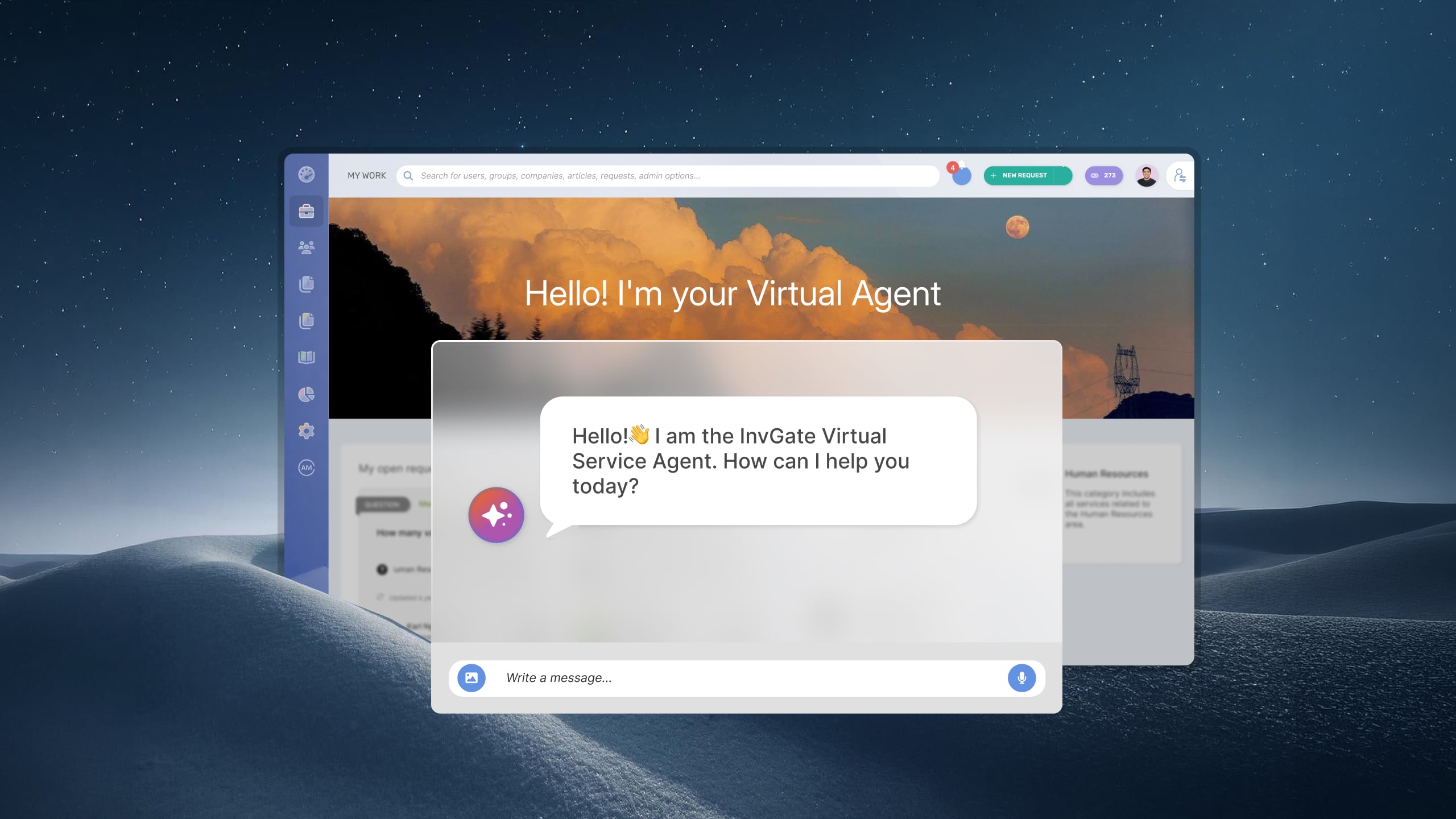
InvGate Service Management's Virtual Service Agent is a native AI chatbot available across the self-service portal, Microsoft Teams, and WhatsApp. It's grounded in your existing knowledge base and ticket history — no manual training or external data pipeline required.
When a user submits a request, the VSA interprets natural language, retrieves relevant articles, and summarizes an answer directly in the conversation. If the case isn't resolved in self-service, the VSA creates a ticket with the context already pre-loaded, so agents aren't starting from scratch. It operates strictly within the workflows and permissions already configured in InvGate Service Management — it doesn't act autonomously or bypass approval chains.
Two supporting features are worth noting for teams building out their self-service strategy: Article Creation (AI-assisted knowledge base authoring) and Knowledge Discovery (surfaces undocumented resolutions that should become articles). Both are available natively within the product, which means the content layer the VSA depends on can be built and maintained without leaving the platform.
Pricing: InvGate offers flexible pricing plans that scale to meet the unique needs of your organization.
- Starter: 24.98/agent/month billed annually and 5 agents minimum - $1499/year.
- Pro: $500/agent/year. 5-50 agents.
- Enterprise: Custom pricing for larger organizations.
You can also request a free trial, so you can try the platform before committing to a plan.
Ready to see how the VSA performs in your environment? Request an InvGate Service Management demo.
2. Freshservice
AI chatbot feature: Freddy AI Agent
Freshservice's Freddy AI Agent provides automated, conversational assistance for employees using existing knowledge sources to handle common questions and service requests. It is available across Slack, Microsoft Teams, email (via an Email Bot), and the self-service portal.
Specific capabilities include actionable response summaries — curated, summarized answers pulled from help articles — multi-turn conversations that allow extended back-and-forth dialogue until the issue is resolved, multilingual support so employees can interact in their preferred language, a formless conversational experience that auto-creates service records from the context shared without manual form-filling.
Pricing: It offers 3 subscription levels with published price, the prices with annual billing are:
- Starter: $19 per agent, per month.
- Growth: $49 per agent, per month.
- Pro: $99 per agent, per month.
Freddy AI Agent is available with the Enterprise plan only. Each Enterprise license includes 1,200 AI sessions per year. Freddy AI Copilot, the agent-assist layer, is a separate add-on available on Pro and Enterprise plans at $29 per agent per month billed annually, or $35 per agent per month billed monthly.
- Checked on June 2026 (US) official website.
3. Zendesk
AI chatbot feature: Zendesk AI Agents
Zendesk is primarily a customer experience (CX) platform. Its AI Agents are built for external-facing support — handling automated conversations with end customers across web, email, messaging, and voice. On the agent side, Copilot assists human support reps with reply drafts, ticket summaries, and knowledge suggestions to speed up resolution of tickets that escalate.
For internal IT use, Zendesk offers a separate Employee Service product. Its Employee Service AI Agents — built on the Unleash acquisition — connect to external knowledge sources like Google Drive and SharePoint without data migration, support employees in Slack, Teams, and the Help Center.
Pricing:
Customer service:
- Support Team: $19 per agent/month.
- Suite Team: $55 per agent/month.
- Suite Professional: $115 per agent/month.
- Suite Enterprise: $169 per agent/month.
Employee service:
- Suite Team: $29 per agent/month.
- Suite Growth: – $59 per agent/month.
- Suite Professional: $98 per agent/month.
- Suite Enterprise: price available upon request.
Zendesk's AI pricing is outcome-based — you pay per automated resolution on top of your base seat cost. Additional AI capabilities like Copilot are separate add-ons. Check the official pricing page for current plan details and to model your actual cost.
- Checked on: June 2026 (US), official website.
4. SysAid
AI chatbot feature: SysAid Copilot — AI Chatbot
SysAid's Copilot umbrella includes two distinct chatbot layers. The end-user AI Chatbot allows employees to explain their issue conversationally and have the Intelligent Categorization AI agent automatically create a service record and fill in all relevant fields — no forms required. It integrates into Microsoft Teams and also accepts requests via an AI Emailbot that creates tickets from inbound emails and provides immediate context-aware responses.
The agent-facing AI Chatbot drafts deeply contextual, personalized replies directly from within the ticket, surfaces validated solutions based on past tickets and experience, generates real-time ticket summaries to bring agents up to speed, and identifies similar incidents to help surface the root cause faster. Multi-language support allows users to submit issues in their native language while agents handle them in theirs.
Best for: IT departments that want AI assistance at both ends of the support interaction — self-service for users and in-workflow assistance for agents.
Pricing: SysAid doesn't publish its pricing. Specific details are available upon request.
5. Zoho Desk
AI chatbot feature: Zia Answer Bot
Zia is Zoho Desk's AI assistant, available as an answer bot on the self-service portal and embeddable on websites. It retrieves answers from the Zoho Desk knowledge base and optionally uses generative AI — powered either by Zoho's own LLM or a connected ChatGPT integration — to deliver more conversational responses. Guided Conversations, a low-code self-service chatbot builder, can incorporate Zia blocks to add contextual AI responses within structured conversation flows.
Best for: Teams already running the Zoho ecosystem — CRM, ITSM, and support in one stack — managing external support or lightweight IT environments.
Limitation: Zia's ITSM-specific capabilities are limited compared to purpose-built IT service management platforms. Teams with complex ITSM workflows may find the integration surface too shallow.
Pricing: Pricing tiers (billed annually)
- Standard: $12 per agent per month.
- Professional: $20 per agent per month.
- Enterprise: $35 per agent per month.
Access to the Zia Answer Bot requires the Enterprise plan — it is not available on Standard or Professional plans. On lower plans, generative AI features are available only by connecting a paid OpenAI API key, which adds a variable external cost.
- Checked on: June 2026 (US), official website.
Disclaimer: All product names, logos, and brands are property of their respective owners. All company, product, and service names used on this site are for identification purposes only. Use of these names, trademarks, and brands does not imply endorsement. Comparisons are based on publicly available information as of April 2026 and are provided for informational purposes only.
Which tool is right for your team?
The right tool depends less on feature lists and more on your operational context. A few practical decision points:
- IT team running on Microsoft Teams with ITSM workflows: InvGate Service Management or Freshservice (Enterprise) are the strongest fits. Both offer native Teams integration with chatbot functionality grounded in service management workflows — not just generic FAQ retrieval.
- Customer support team managing external users at scale: Zendesk is the most mature option, with the broadest channel coverage and the most established AI agent capabilities for CX.
- Team within the Zoho ecosystem managing mixed IT and customer support: Zoho Desk keeps everything in one stack and reduces integration overhead, though ITSM depth is lighter.
- IT department wanting AI assistance for both users and agents: SysAid Copilot's dual-layer approach — end-user chatbot plus in-queue agent assistance — covers both interaction points without additional tooling.
For a broader view of how AI capabilities extend beyond chatbot into workflow automation, ticket categorization, and predictive routing, see the full breakdown of ITSM software with AI automation.
FAQs
What is an AI chatbot in help desk software?
An AI chatbot in help desk software is an automated conversational interface that handles support requests without requiring a human agent. It interprets user input — typically through natural language processing — retrieves relevant information from a knowledge base or ticket history, and either resolves the request or escalates it with context pre-loaded. In IT environments, the chatbot is typically integrated with the service catalog, ticketing workflows, and SLA rules.
What's the difference between a scripted chatbot and a virtual agent?
A scripted chatbot follows a fixed decision tree: the user selects from predefined options until they reach an answer or a dead end. A virtual agent uses natural language understanding to interpret free-form input, retrieve context-aware responses, and handle a wider range of requests without rigid menus. Virtual agents can also take actions — creating tickets, submitting forms, triggering workflows — while scripted bots are typically limited to information retrieval.
Does InvGate Service Management have an AI chatbot?
Yes. InvGate Service Management includes a Virtual Service Agent (VSA) available on the self-service portal, Microsoft Teams, and WhatsApp. The VSA is grounded in your existing knowledge base and ticket history, and interprets natural language. Your data stays yours and is never used to train the underlying model. It operates within your existing ITSM workflows and does not require manual training or a separate implementation.
Which help desk software has the best AI chatbot for IT teams?
There's no single answer — it depends on your stack, channels, and ITSM maturity. For IT teams running structured ITSM workflows and internal channels like Microsoft Teams, InvGate Service Management and Freshservice are well-suited. For enterprise-scale environments mixing IT and customer support, Zendesk is a strong option. Evaluating on deflection rate, knowledge base integration depth, and ITSM workflow compatibility will give you more actionable signal than comparing feature checklists alone.