AI automation is now a key evaluation criterion for ITSM software. Organizations use it to reduce manual ticket handling, improve response times, automate repetitive tasks, and help agents resolve requests more efficiently.
The capabilities available across platforms range from ticket categorization and routing to virtual agents, knowledge generation, AI-assisted responses, and workflow recommendations. The depth of integration, licensing model, and ease of use vary significantly from one vendor to another.
In this article, we'll compare the best ITSM software with AI automation, review their strengths and limitations, and outline the features buyers should evaluate before making a decision.
Key takeaways
- Most ITSM platforms claim AI — few embed it into daily agent workflows without a separate license or add-on.
- The most impactful AI capabilities in ITSM are ticket categorization, automated routing, AI summarization, and self-service chat agents.
- No-code automation and embedded AI are not the same thing — both matter, and the best platforms offer both.
- Choosing the wrong platform locks your team into manual workarounds that compound over time.
Why AI automation is now a core buying criterion in ITSM
For years, the conversation around IT Service Management centered on whether a platform had automation at all. That question is obsolete. The real question in 2026 is: how deeply is AI integrated, and what does it actually do inside a ticket?
Most IT teams spend a disproportionate share of their day on work that should not require human judgment — routing a request to the right queue, escalating based on SLA proximity, or writing up a resolution note for a problem that was solved three months ago. These are solvable problems. The platforms that solve them well do it with AI that runs inside the workflow, not as a chatbot bolted on the side.
There's an important distinction worth making here. Traditional workflow automation operates on rules: if this category, then that assignee. That kind of ITSM automation is still valuable, but it has a ceiling. It breaks when a ticket doesn't fit a predefined pattern, and it requires ongoing manual maintenance as conditions change.
AI-assisted automation works differently. Natural language processing reads ticket content and ican work with its context. Natural language processing reads ticket content and can work with its context. That opens up the possibility of interpreting intent, identifying patterns, extracting relevant information, and making decisions based on what the requester is actually asking for rather than relying exclusively on predefined conditions.
The industry has recognized this shift. Gartner published its inaugural Magic Quadrant for AI Applications in IT Service Management in September 2025, a signal that AI depth is now a distinct buying category for IT leaders.
The best ITSM software with AI automation
Methodology note: InvGate develops IT Service Management and IT Asset Management software, so we’re directly involved in the same market as some of the vendors mentioned here. Even so, our purpose is to share reliable and unbiased information to help you evaluate your options. We assessed each platform on core ITSM functionality, ease of implementation and use, scalability across team sizes, deployment flexibility, AI, and automation capabilities. Our analysis draws on official product documentation, hands-on testing where possible, and verified user reviews.
1. InvGate Service Management
IT teams that need AI running inside daily agent workflows — not as a premium upgrade, not as a separate module — tend to find InvGate Service Management worth a close look. The platform's AI layer is built around InvGate AI Hub, a native set of capabilities that comes included across all tiers without additional licensing.
-
Resolution assistance: When an agent opens a ticket, the platform surfaces suggested responses based on the knowledge base and historical tickets with similar patterns. For complex or long-running incidents, agents can generate a ticket summary in a single click — giving a new agent enough context to contribute to resolution in under a minute.
-
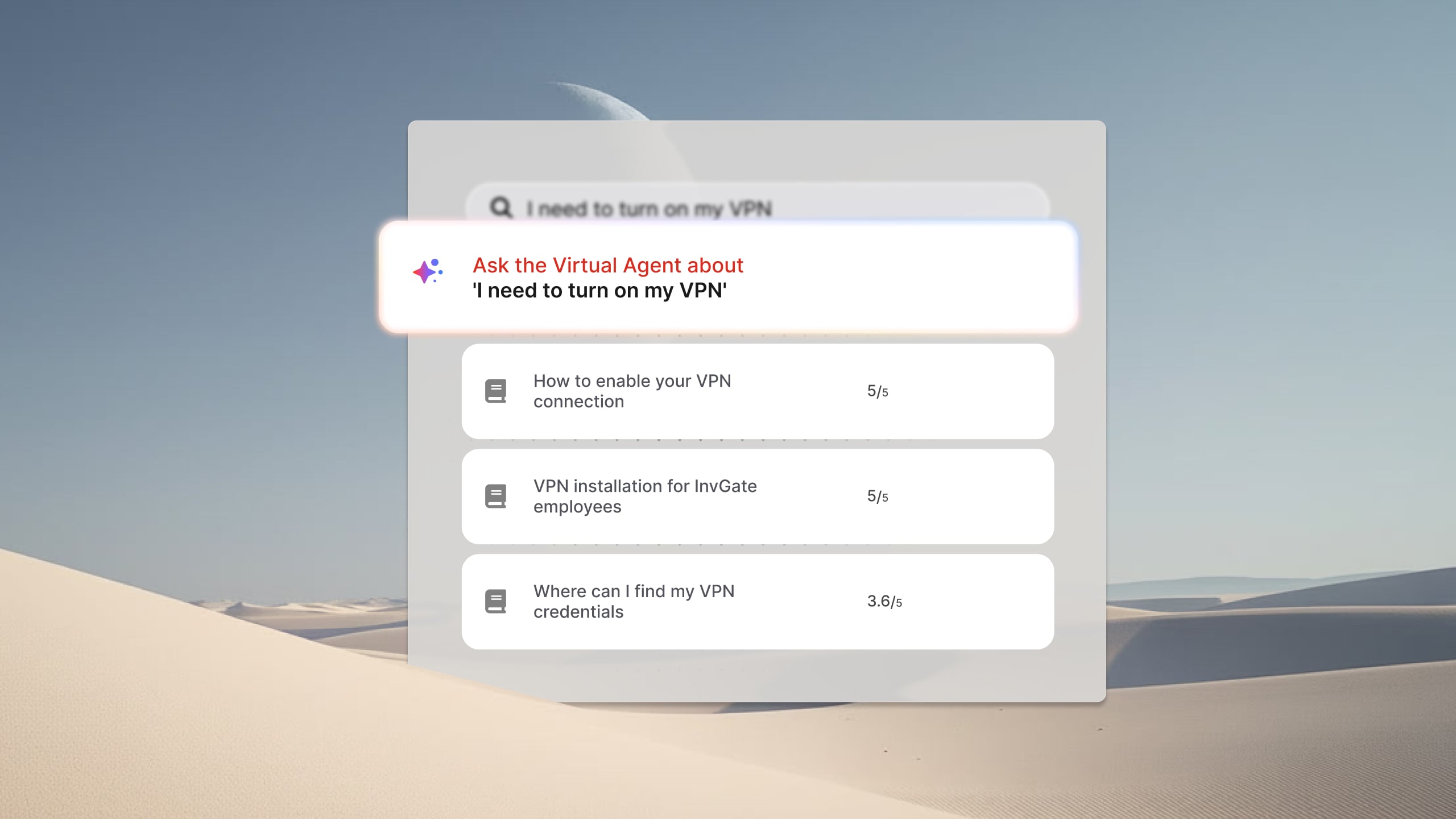
Deflection via virtual service agent: The virtual service agent deploys in Microsoft Teams, WhatsApp, and the self-service portal. It connects directly to the existing knowledge base and past ticket history — no manual training or dedicated bot content required before go-live. When a user asks a question, the agent responds using approved knowledge sources, summarizes articles when relevant, and creates a ticket with context pre-filled if the issue requires human attention. Conversations are never used to train third-party LLMs.
-
Knowledge generation: When a ticket is resolved, InvGate Service Management can automatically draft a knowledge base article from the interaction. This reduces the likelihood of the same question generating future tickets and builds the knowledge base passively over time.
The platform is certified in 15 ITIL practices and supports multi-department service delivery, making it usable beyond IT for HR, facilities, or finance service teams.
Want to see this in action? Request an InvGate Service Management demo.
2. ServiceNow
ServiceNow remains the largest name in enterprise ITSM, and its AI offering — branded as Now Assist — covers a wide range of use cases across incident management, knowledge creation, and agent productivity. Now Assist provides case and incident summarization, resolution note generation, AI-powered search, and suggested responses directly within the agent workspace.
ServiceNow was named the only Leader in the 2025 Gartner Magic Quadrant for AI Applications in IT Service Management, and ranked first in two use cases in the associated Critical Capabilities report.
The relevant consideration for buyers is access and cost. Now Assist features are bundled into premium license tiers, which represents a significant step up in licensing cost from base packages. Teams already on enterprise plans may find the AI capabilities readily available; teams on standard plans will need to evaluate whether the upgrade cost aligns with expected return.
Implementation also tends to require internal ServiceNow expertise or professional services engagement. For organizations with dedicated ServiceNow administrators, this is manageable. For smaller teams evaluating total cost of ownership, it's a factor worth modeling before signing.
3. Freshservice
Freshservice takes an AI-first positioning through its Freddy AI suite, which covers three distinct layers:
-
Freddy AI Agent, the employee-facing virtual agent. It handles routine employee requests across Slack, Microsoft Teams, email, and the support portal, deflecting them before they reach the queue.
-
Freddy AI Copilot, the agent-assist layer. Provides agents with reply suggestions, multilingual drafting, and ticket summarization.
-
Freddy AI Insights, analytics and anomaly detection for service leaders. Surfaces trends, anomalies, and root cause analysis across service desk metrics.
Something to note: Freddy AI Agent is available on the Enterprise plan only. Teams on Starter or Growth plans do not have access to the AI virtual agent, and would need to upgrade before using it. Freddy AI Copilot is available as an add-on for Pro and Enterprise plans. Buyers evaluating Freshservice should map their current tier against the AI capabilities they actually need before comparing costs.
4. Jira Service Management
Jira Service Management offers Atlassian Rovo, the company's unified AI experience that spans Jira, Confluence, and their Service Management product. Rovo is structured around three tools: Rovo Search (cross-product, context-aware search across 50+ connected applications), Rovo Chat (a conversational interface for querying organizational knowledge), and Rovo Agents (automatable agents that can interpret work items and take action).
Within Service Management specifically, Rovo analyzes alerts, prioritizes requests, auto-assigns tasks, and supports AI-generated resolution plans directly inside work items. An Incident Management layer draws on logs, changes, runbooks, and past incidents to surface root cause and suggest remediation steps.
Rovo is included at no additional cost on Standard, Premium, and Enterprise cloud plans. This is a meaningful differentiator for organizations already in the Atlassian ecosystem — particularly engineering or DevOps teams managing incidents alongside development work. For organizations without an existing Atlassian footprint, the broader ecosystem dependency is worth factoring in.
5. SysAid
SysAid AI Agents are pre-built operators that can handle employee onboarding across multiple systems, flag assets with expiring warranties, and execute repetitive workflows without human intervention.
The platform also includes SysAid Copilot, an AI assistant that supports agents with response suggestions, summarization, and collaborative features. An AI Agent Builder allows teams to create and customize their own agents.
6. Xurrent
Xurrent introduced Sera AI in 2025, framing it as an "AI fabric woven across the entire platform" rather than a standalone feature. Sera AI brings together request summarization, intelligent ticket classification, automated knowledge creation, and workflow optimization in a single embedded layer.
Their 2026 release included Sera AI Studio for virtual agent configuration, an intent-aware Request Classifier, and AI Usage analytics. Xurrent targets enterprise MSPs and corporate IT teams, with a specific emphasis on multi-provider service management.
Buyers evaluating Xurrent should consider it particularly if their environment involves managed service provider relationships or complex multi-tenant service delivery.
Disclaimer: All product names, logos, and brands are property of their respective owners. All company, product, and service names used on this site are for identification purposes only. Use of these names, trademarks, and brands does not imply endorsement. Comparisons are based on publicly available information as of May, 2026 and are provided for informational purposes only. ServiceNow is a registered trademark of ServiceNow, Inc. InvGate is not affiliated with, sponsored by, or endorsed by ServiceNow.
How to choose the right ITSM software with AI automation
The vendor landscape has converged on similar AI terminology. Every platform in this list uses the words "intelligent," "automated," and "native." The way to cut through that is to ask operationally specific questions before making a decision.
-
Is the AI included in the tier your team would actually buy, or does it require an upgrade? Some platforms include AI across all plans. Others gate key features — like the virtual agent or AI summarization — behind premium tiers. The delta between the plan you can afford and the plan with the AI you need is the real cost conversation.
-
Does the virtual service agent deploy in the channels your users already use? An AI agent that lives in a portal employees rarely visit does not deflect tickets. The integration with Microsoft Teams, WhatsApp, or Slack determines whether adoption is opt-in or automatic for end users.
-
Can your team configure and maintain automation without writing code? No-code workflow builders allow IT teams to build escalation rules, approval chains, and multi-step automations independently. Platforms that require scripting or developer support for workflow changes shift the total cost of ownership and slow down iteration.
-
Does the platform generate knowledge automatically from resolved tickets, or is that still a manual step? This is one of the highest-leverage AI capabilities in ITSM and one of the most frequently skipped in platform evaluations. Automatic knowledge generation from resolved tickets reduces future ticket volume passively — without requiring agents to change their behavior.
-
Which ITIL processes are covered out of the box, and which require configuration? Incident, problem, change, and service request management are table stakes. The question is whether SLA tracking, change risk estimation, and problem correlation come pre-configured or require additional setup effort.
For a practical view of how automation fits into the broader service workflow, see this guide on how to automate ITSM workflows effectively.
Frequently Asked Questions
What is the best ITSM software with AI automation? There is no single answer — it depends on your team's size, budget, existing toolstack, and which AI capabilities matter most. InvGate Service Management, ServiceNow, Freshservice, Jira Service Management, SysAid, and Xurrent all offer meaningful AI automation, but differ significantly in how that AI is packaged, priced, and integrated into daily workflows.
What AI features should I look for in an ITSM tool? The most impactful AI features in ITSM are: automatic ticket routing, AI-assisted response generation, ticket summarization, an agent that works in the channels your users already use.
What is the difference between no-code automation and AI automation in ITSM? No-code automation executes predefined rules: if a ticket matches these conditions, take this action. It is reliable, fast, and essential for structured processes. AI automation handles situations that don't fit neatly into rules — reading ticket content to infer category, generating a response based on similar past resolutions, or predicting escalation risk. The best platforms offer both working together: AI for judgment-based decisions, no-code automation for the execution logic that follows.