













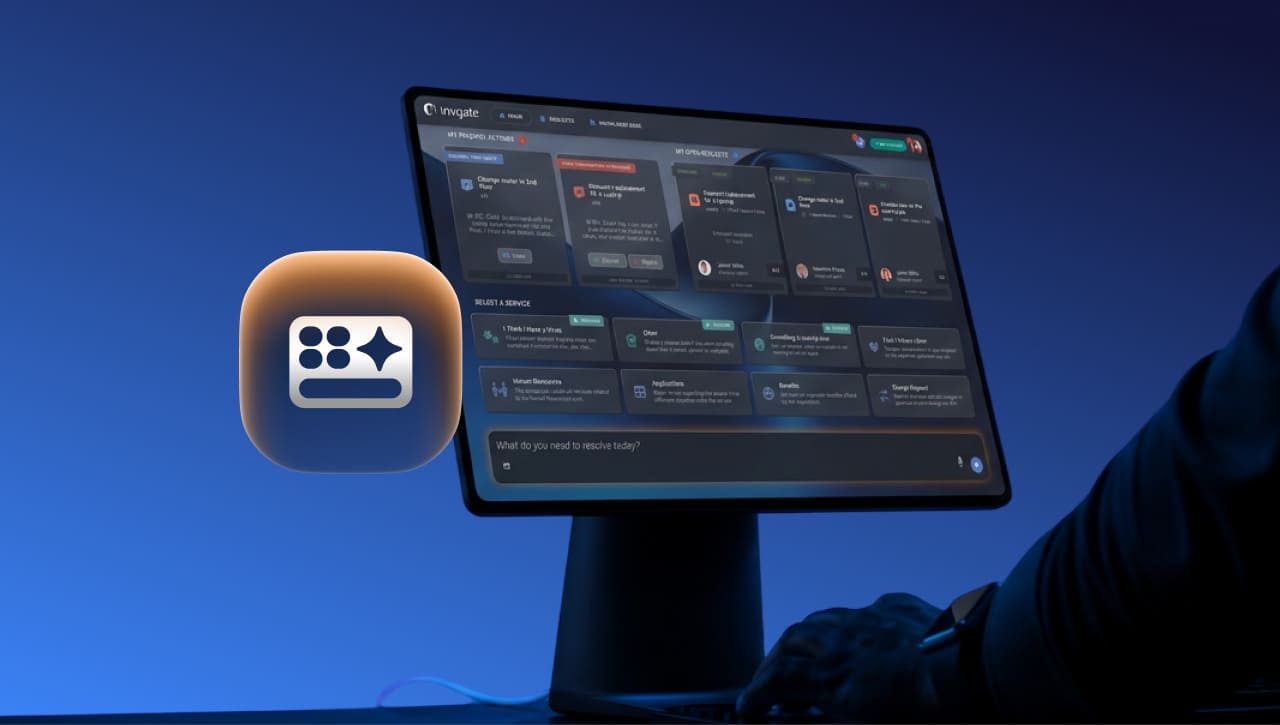

A question answered on the spot never has to become a ticket. The redesigned self-service portal home page in InvGate Service Management is built to make that the default: the Virtual Service Agent and AI-generated answers now sit front and center, ready to resolve common issues and questions the moment a user lands on the page.
The rest of the home page works toward the same goal — guiding each user to what they need faster, whether that is an instant answer, a pending approval, or a status check on an open request.
The redesign introduces:
Keep reading to see how it works.
We introduced these capabilities at ENVISION'26, our global user conference. Explore all the other new releases here!.
Almost everyone who opens a self-service portal arrives with something specific in mind. They have a request to file, or one already in motion that they want an update on. That makes the home page one of the best chances IT gets to resolve something before it becomes work for the service desk, and most portals spend it on navigation, asking users to browse and click their way toward an answer that could have been delivered on the spot.
InvGate Service Management's redesigned self-service portal uses that space for resolution instead. The Virtual Service Agent and its AI-generated answers hold the center, visible by default and answering before a conversation even opens. Around them, the page keeps the two things users came for within immediate reach, from what needs a decision from them to where their open requests stand.
The Assistance Bar is a persistent bar at the foot of the home page that brings search and the Virtual Service Agent together in a single entry point. It has three states (collapsed, expanded, and expanded with text) so it stays out of the way until a user needs it.
The Assistance Bar sends each input to the tool that can actually handle it:
The result is one clear place to start, with the system making the routing decision so the user does not have to.
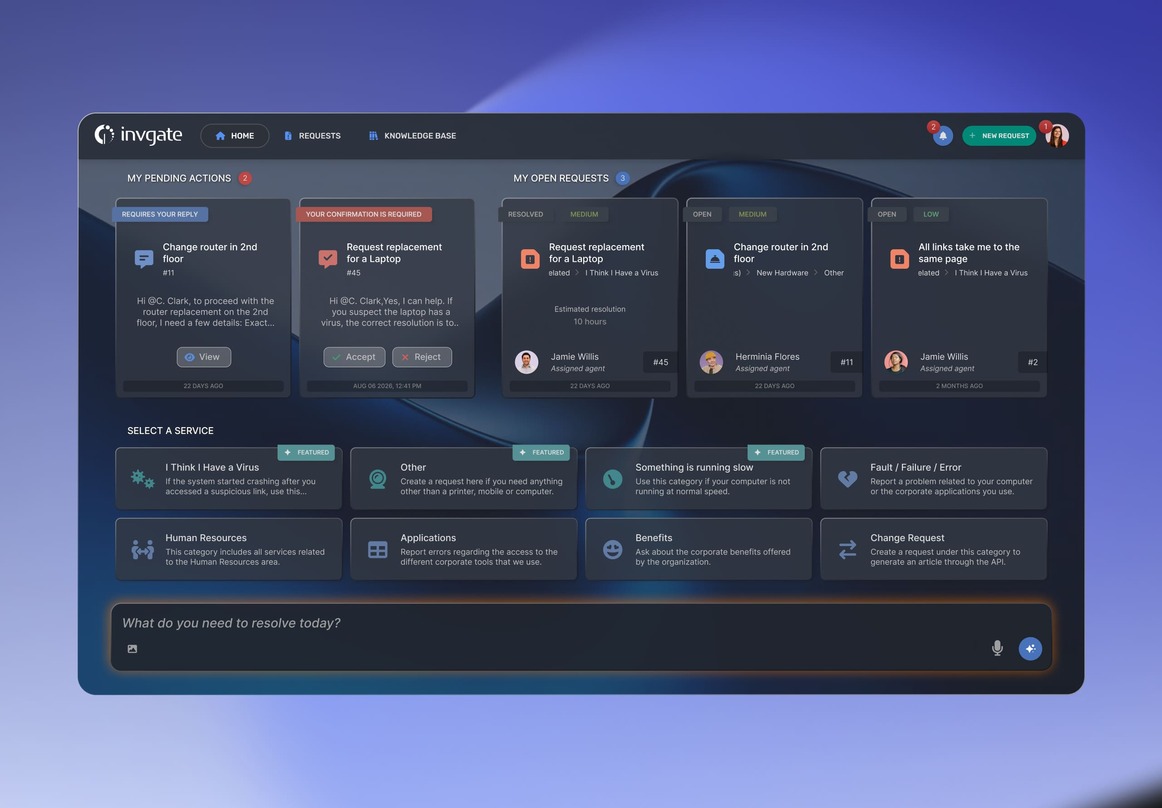
The redesigned home is organized into four zones (pending actions, open requests, catalog categories, and, as we mentioned, the Assistance Bar) and it reflows based on what is true for each user.
Here is what that looks like in practice:
The page reflects each user's real situation on every visit, so the portal feels relevant from the first screen.
Two new cards make the home page reorganization concrete.
Together, the two cards separate the two things users care about when they open the portal: what needs a decision from them, and what they are simply keeping an eye on.
 Conversational categories for the requests the Virtual Service Agent handles best
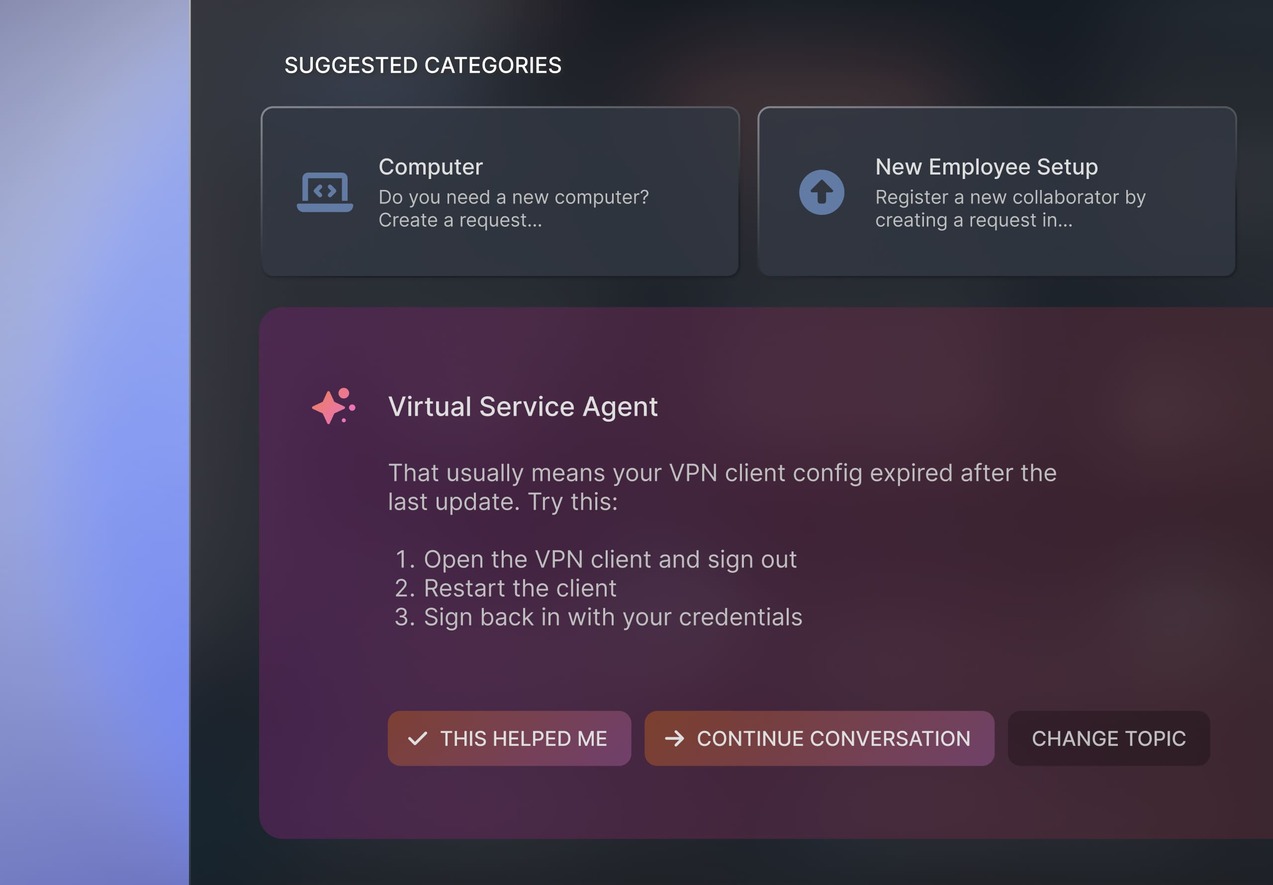
Some request types are a natural fit for conversation and self-service. With conversational categories, an admin can flag a service catalog category as conversational. When users select it from the categories row, search results, or "New Request," they’re taken directly to a Virtual Agent conversation with a category-specific welcome message.
That gives these requests a self-service-first path, giving the Virtual Service Agent the opportunity to answer the user or resolve the request before a ticket needs to be created. Admins can decide which request types should start with it and which should continue through the traditional request flow.
 AI answers, built on knowledge you already own
A more visible Virtual Service Agent raises a fair question: where do its answers come from? The answer is knowledge your organization already owns and already governs.
The Agent draws on two sources. The first is your knowledge base, the articles your team writes and approves, whether authored from scratch or drafted from a resolved ticket with AI assistance. The second is Knowledge Snippets, the structured fragments that Knowledge Discovery extracts from closed tickets, so recurring resolutions your team has already worked out become reusable knowledge without anyone writing a new article.
Both sources stay under your control. Knowledge Discovery follows a human-in-the-loop model: administrators review, edit, accept, or reject every Snippet. This way, the knowledge layer feeding your portal is the same one your team has been curating all along, and every answer a user sees traces back to an approved source.


