














A hardware request is usually a translation problem. Someone types "I need a laptop" into a form or a free-text ticket, and an agent has to turn that into a decision: which model, is one actually available, who has access to check, who updates the asset record afterward. Every step in between is where requests slow down, and asset records go stale.
We’re rolling out the new Product Catalog feature across InvGate Service Management and InvGate Asset Management to answer both sides of that problem. Requesters choose from a published set of hardware options. Agents fulfill each request against real inventory, updating the asset record in the same action.
We introduced these capabilities at ENVISION'26, our global user conference. Explore all the other new releases here!
Product Catalog is one feature built on two additions, one in each product.
Together, they turn a hardware request into one governed flow — from what an employee can ask for, to the unit an agent hands over, to the record that tracks it. Here's what that looks like for each person it touches.
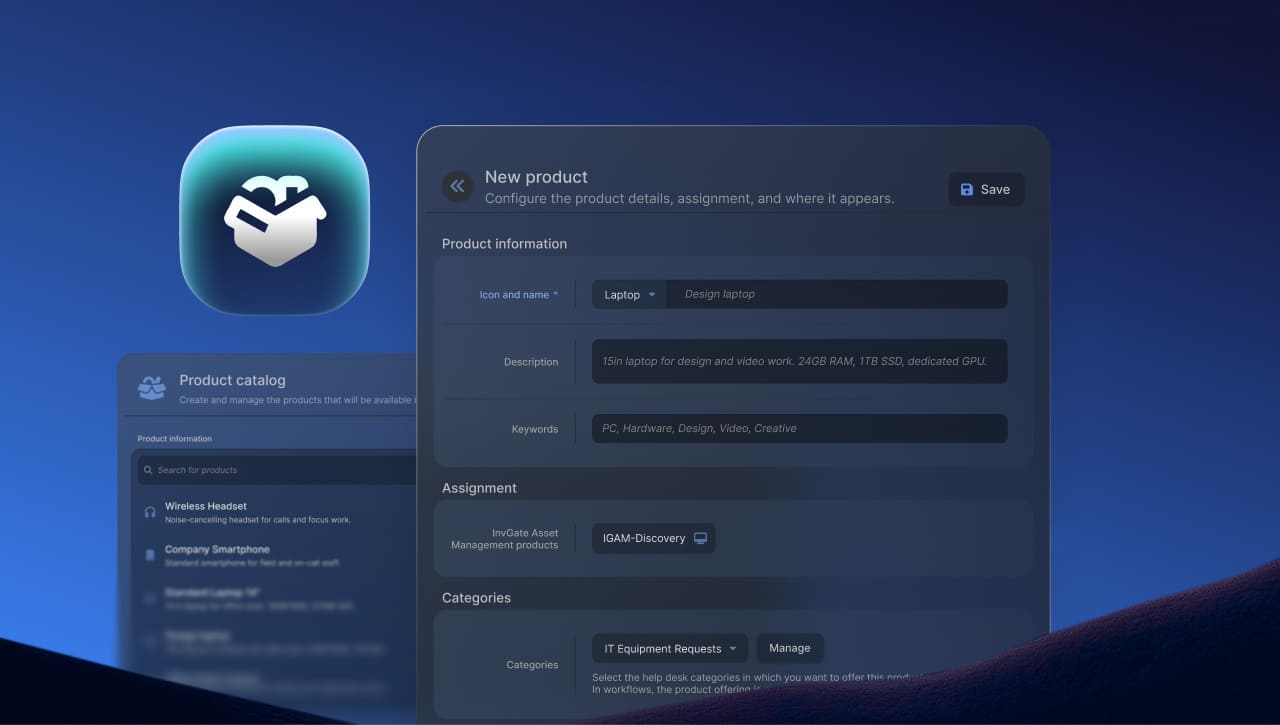
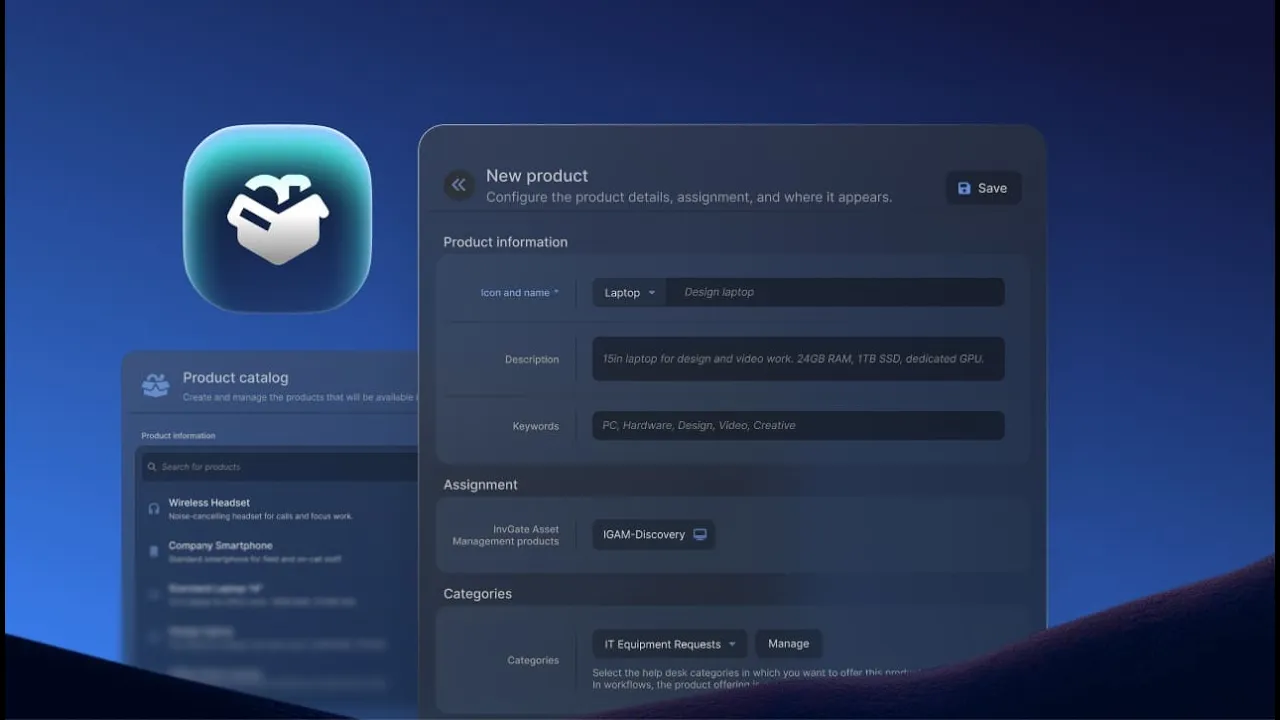
The catalog is built in InvGate Service Management, under Catalog > Product Catalog. Each catalog product is an option an employee can request — an icon, a name, a description, and keywords — linked to one or more Products in InvGate Asset Management. A single option can sit in front of several models at once: one "Standard laptop" card can point to a Dell, a Lenovo, and an Apple model, filterable by asset type.
Because the catalog product and the Products behind it are separate records, you can swap which models sit behind, for example, "Standard laptop" at any point, and the option requesters see never has to change.
Access comes from the same setup. Products are offered through specific help desk categories, and category access decides what each group of employees can see and request — so a team only ever sees the hardware meant for them, and there's no separate set of product permissions for agents to manage.
In InvGate Service Management, an employee opens the relevant category in the self-service portal — "Equipment replacement," say — and finds product cards to browse: a name, an icon, and a plain description for each hardware option the company actually offers. The same product selector also sits directly on the request creation form for that category, for anyone who starts there instead.
Say a laptop breaks and needs replacing. The employee picks the model from the cards, adds it, and submits. If more than one item is needed, everything goes into a single order rather than one ticket per item.
Either way, the request routes for approval automatically, based on the category it belongs to — there's nothing extra to configure or chase, and no need to know who on the IT side owns the approval.
Once an order is approved, the agent can open it in InvGate Service Management and see exactly what the requester needs. They don't have to compare specifications or figure out which model matches the request.
For each item, the agent selects an available unit from InvGate Asset Management, assigns it to the right person, sets its location, and confirms the fulfillment.
The asset record is updated at that moment: the specific unit is assigned to the specific person and written directly back to InvGate Asset Management, without creating a separate task or leaving someone else to update the records later. Also, agents can manage this work from a dedicated Orders view. They can filter orders by product, help desk, agent, or requester, giving them a clear list of fulfillment work.
Stock shortages are handled as part of the same process. If an item isn't available, the agent can reject that line and explain why. The rest of the order can still be completed, and the request is marked as partially fulfilled instead of remaining open indefinitely.
In InvGate Asset Management, under Procurement, every asset now belongs to a Product: one record per combination of asset type, manufacturer, and model. Every count of that model will have one stable reference, and from then on, a new asset will link to a matching Product automatically when its manufacturer and model line up, and create one when nothing matches yet.
That gives you a Product Profile, where you can:
A hardware request used to pass through several hands and leave a trail of catching-up behind it: someone deciphering what was meant, someone checking what was available, someone correcting the asset record after the fact.
Product Catalog collapses the process into a single line — an employee asks for something real, an agent hands over a specific unit, and the record is already right. What each person is left with is their actual job, not the reconciliation that used to come with it.
Get started with your own Product Catalog. Try InvGate Service Management and InvGate Asset Management free for 30 days, or contact our team to learn more.


