













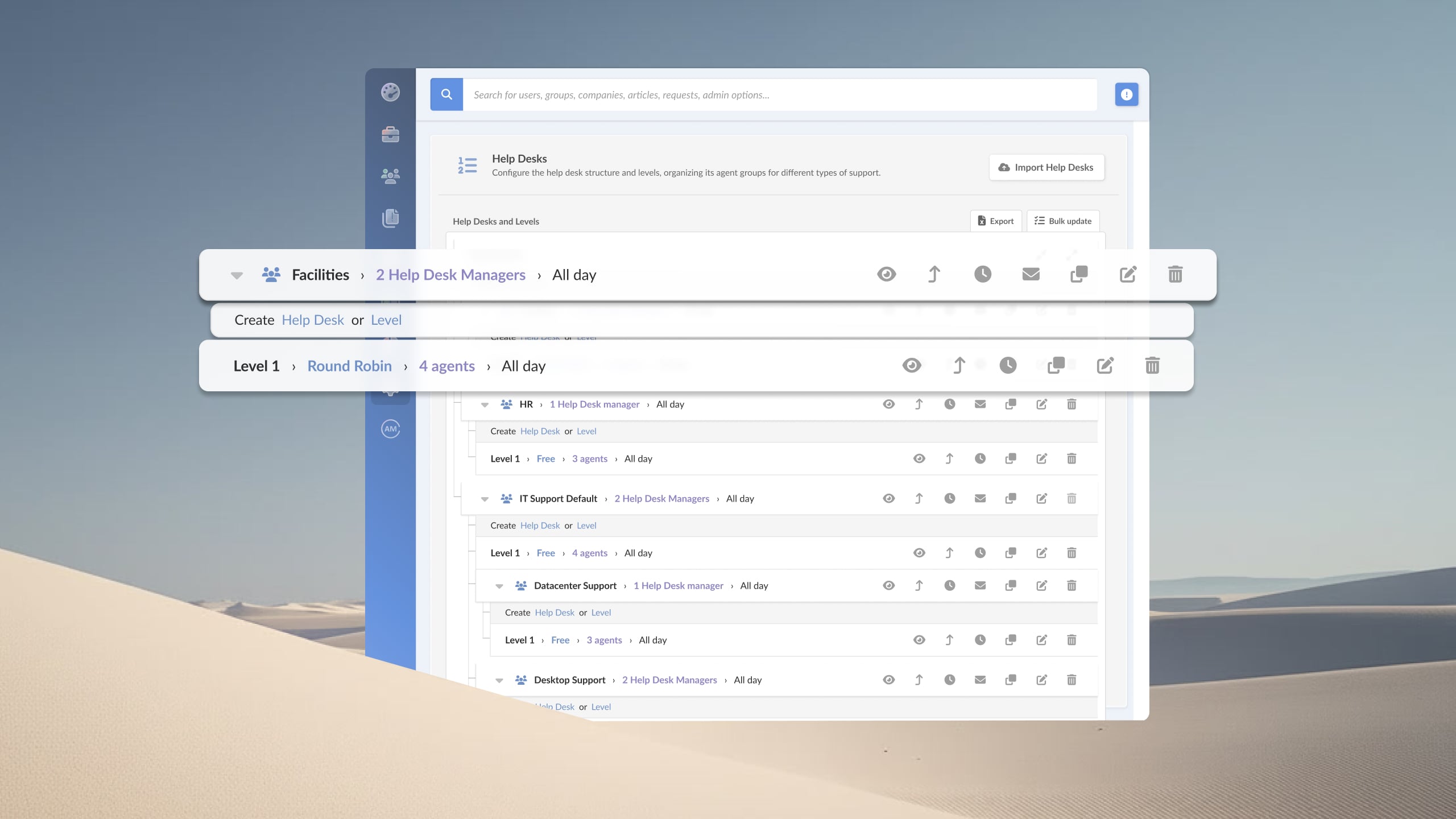

Deploying an ITSM platform should not turn into a months-long implementation project. Yet many organizations discover that getting a service desk live requires more configuration work, consulting services, and internal resources than expected.
This article explains what buyers should evaluate when deployment simplicity is a priority and highlights leading ITSM platforms that can help organizations achieve value faster without relying heavily on consultants or custom development.
Key takeaways
When evaluating IT Service Management software with easy deployment, implementation speed is only part of the equation. The better question is how much effort the platform will require before launch, during implementation, and after go-live.
Many IT teams choose a tool based on features, only to discover that configuring workflows, migrating data, training agents, and setting up automations requires more time and expertise than expected. In some cases, the software itself is not the problem. The organization simply lacks the resources to support a lengthy implementation project.
A practical evaluation should focus on a few key areas:
Features such as visual workflow builders, pre-configured templates, and low-code automation can reduce effort throughout the software lifecycle, not just during deployment.
The easiest ITSM platform to deploy is not necessarily the one with the shortest go-live timeline. It's the one your team can implement, manage, and expand without turning every future change into a new project.
These four platforms were selected based on go-live speed, no-code configuration depth, and documented onboarding costs. They are not the only ITSM tools on the market, but they are the ones where deployment ease is a structural characteristic, not a marketing claim.
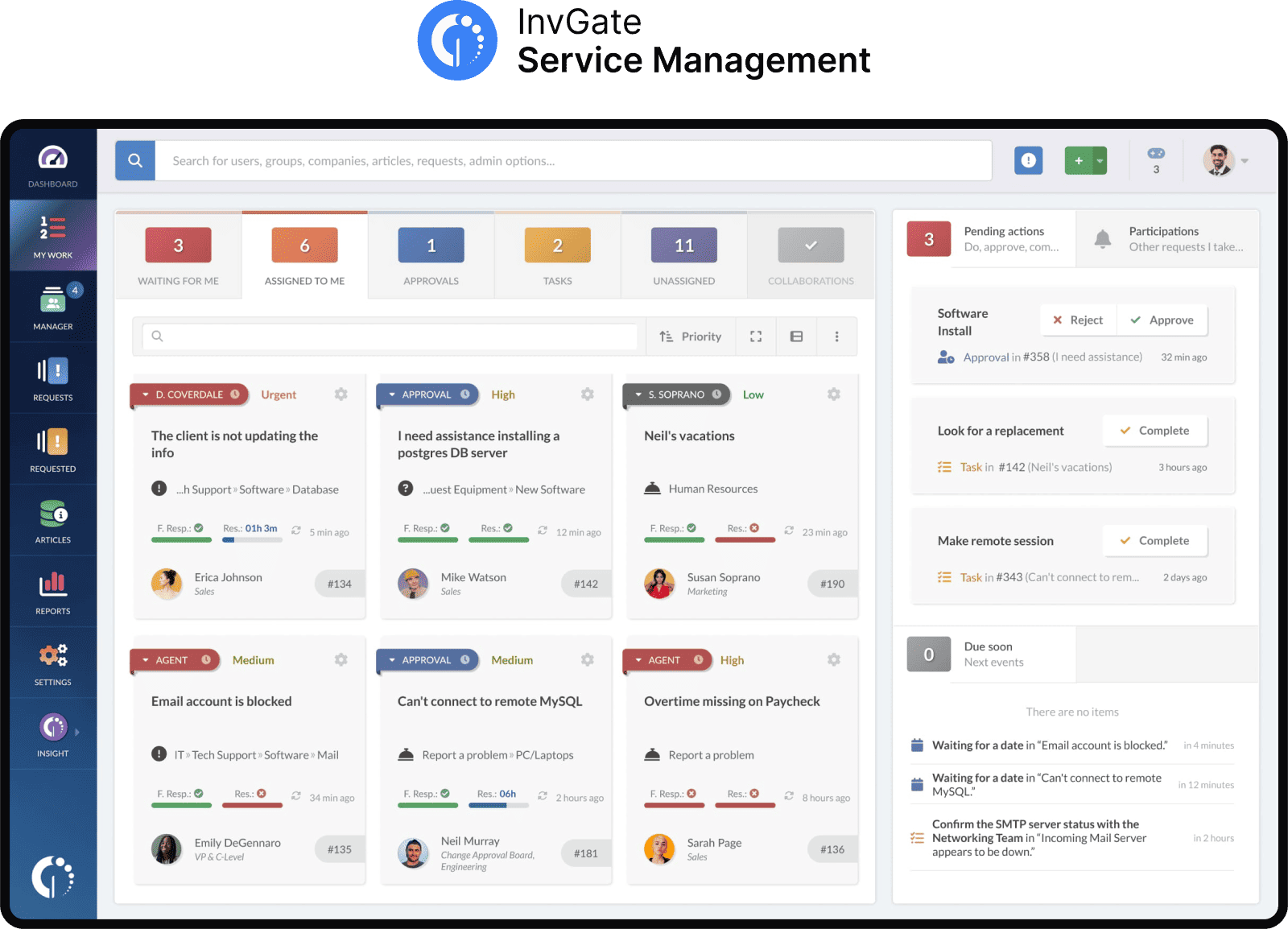
InvGate Service Management is an ITSM and ESM platform designed for mid-market IT teams. Its implementation model is structured around minimizing time-to-value: the platform is configured without code, onboarding support is included in the base contract, and standard cloud deployments are documented at 2-4 weeks.
The no-code workflow builder covers incident management, change management, request fulfillment, approvals, and cross-departmental ESM from a single interface. Automation steps — routing, notifications, escalations, integrations with external systems — are built natively without scripting. The platform supports both cloud (SaaS) and on-premise deployments.
Deployment-specific features:
Pricing:
InvGate offers flexible pricing plans that scale to meet the unique needs of your organization.
You can also request a free trial, so you can try the platform before committing to a plan.
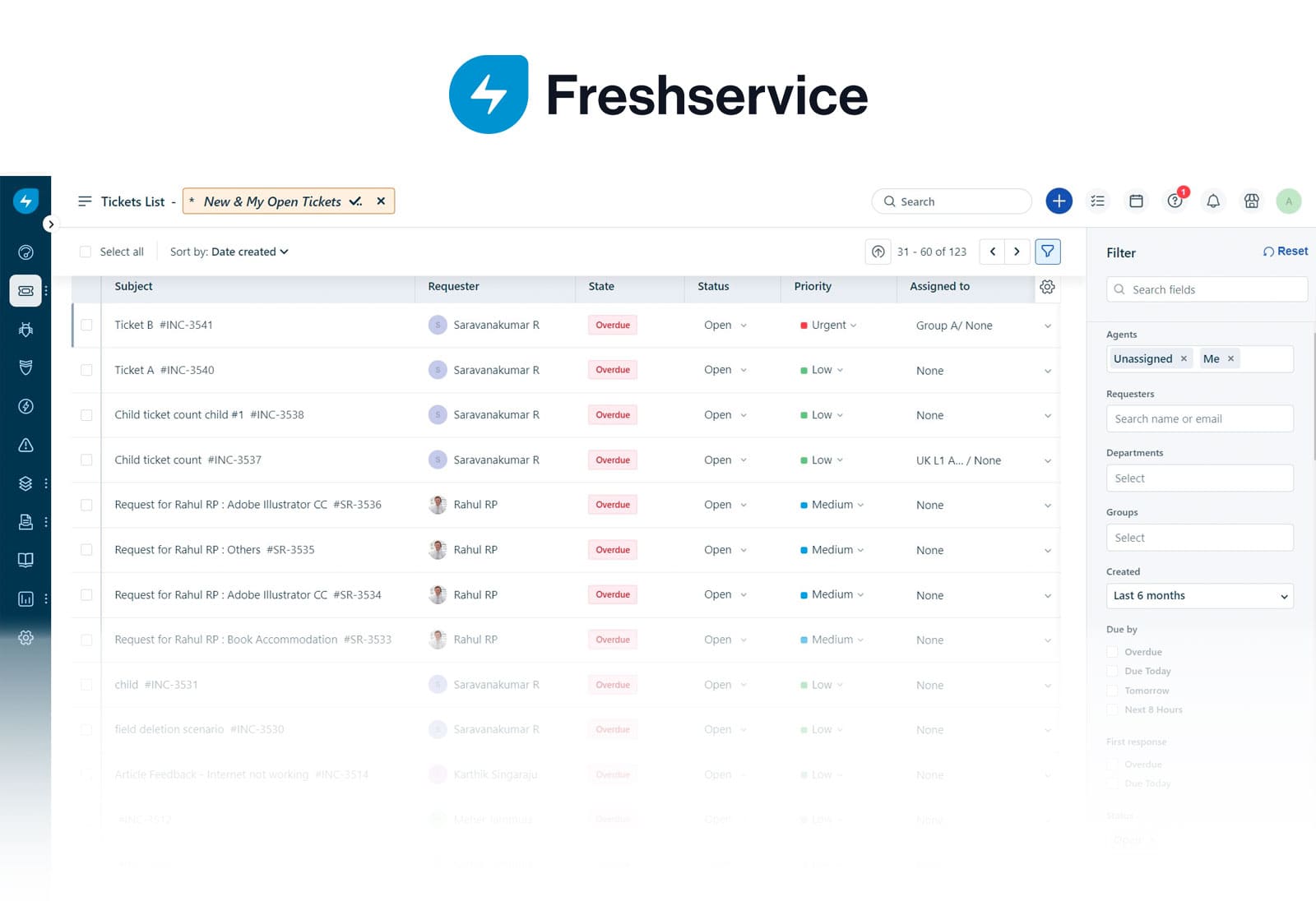
Freshservice, by Freshworks, is a cloud-first ITSM platform with a large user base in the mid-market segment. It is ITIL-aligned out of the box, with incident, problem, change, and release management available without heavy configuration. Standard deployments go live within a few weeks for teams with straightforward environments.
The platform includes a self-service portal, knowledge base, and asset management from the Growth plan upward. Its interface is widely cited as easy to learn, which supports fast agent onboarding after go-live.
Deployment-specific features:
Pricing: The prices with annual billing are:
The fourth tier, Enterprise, requires a quote. - Checked on June 2026 (US) official website.
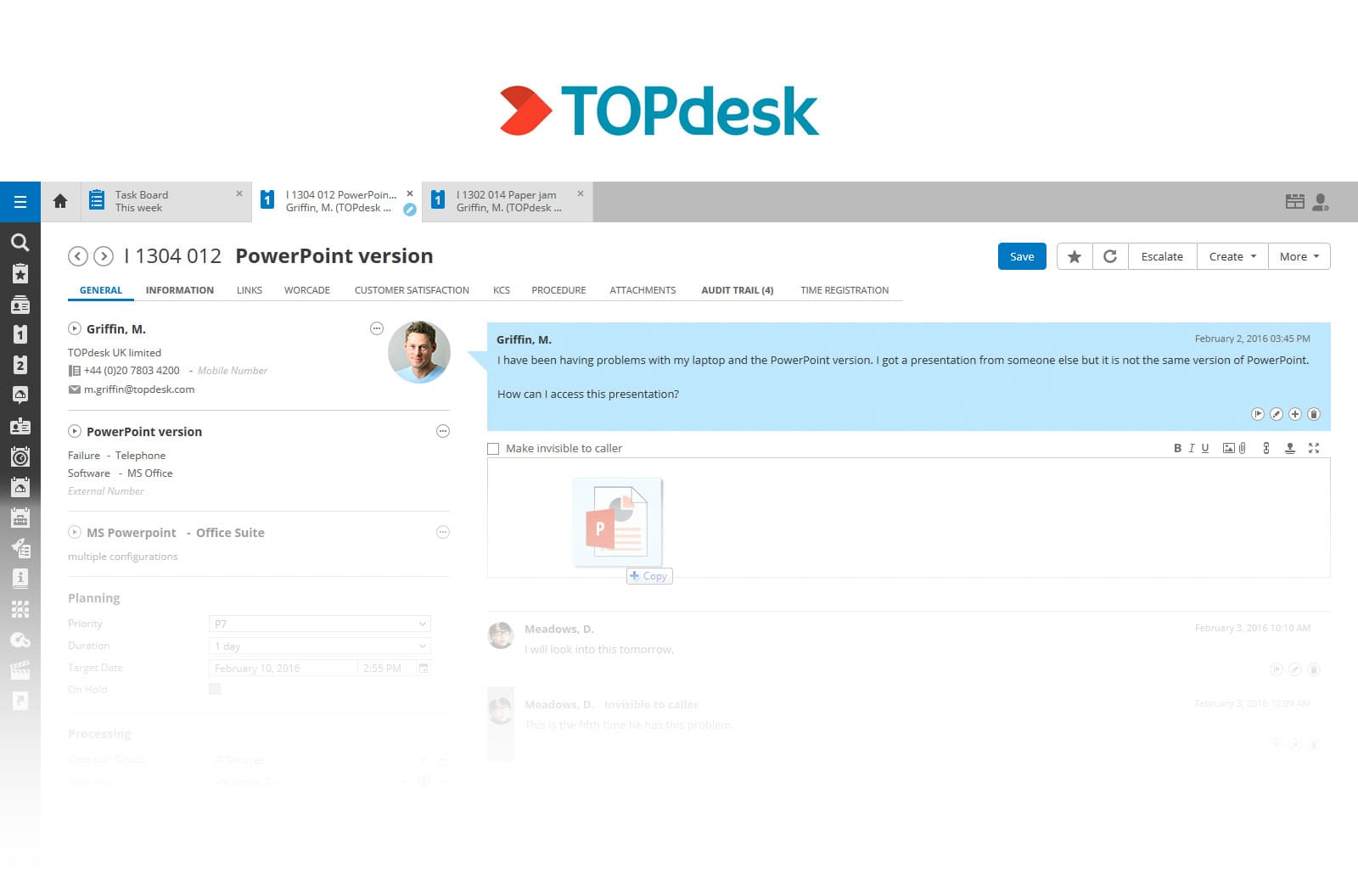
TOPdesk is an ITSM platform positioned primarily at mid-sized organizations, with a strong presence in EMEA. It publishes transparent per-agent pricing, which eliminates the per-user licensing math that adds cost complexity as organizations scale. The deployment model supports SaaS and on-premise, and TOPdesk recommends consultant-assisted implementation for standard deployments, though the vendor characterizes implementation time as "10-25 days" according to their own Gartner-cited data.
The platform follows a "think big, start small" philosophy: core processes go live quickly, and modules — change management, contracts, project management — can be added incrementally without rebuilding the base configuration. Implementation training uses a train-the-trainer approach, aiming to make the team self-sufficient post go-live.
Deployment-specific features:
Pricing: TOPdesk's pricing is based on the number of agents and offers volume discounts. The rates below are for 50 agents:
- Checked on: June 2026 (US), official website.
TeamDynamix is a no-code ITSM and ESM platform with a strong presence in higher education and upper-mid-market IT organizations. The platform bundles ITSM, ESM, ITAM, and project portfolio management (PPM) on a single platform. TeamDynamix positions its deployment model around low developer dependency: workflows, forms, and integrations are built without code, and the vendor provides structured implementation services as part of the engagement.
Go-live timelines are documented in weeks for standard deployments, with a dedicated Professional Services team managing the project before, during, and after go-live.
Deployment-specific features:
Pricing: Custom quote only — no public pricing tiers.
Before signing a contract with any vendor, get specific answers to these questions. Vague answers are themselves a signal.
How long does it take to implement ITSM software? It depends heavily on the platform and deployment model. Modern cloud-first ITSM tools can go live in 2-4 weeks for standard configurations, while enterprise platforms with heavy customization can take several months.
What is the difference between fast implementation and fast time to value in ITSM? Fast implementation means the platform is live quickly. Fast time to value means the team is actually resolving tickets, reducing manual work, and seeing operational improvement — which also requires onboarding, agent adoption, and workflow configuration to be right from day one, not just the go-live milestone.
Can ITSM software be deployed without professional services? Yes, for the right platforms. Tools with genuinely no-code configuration and onboarding included in the base contract can reach a working state without a separate professional services engagement — though vendor-provided implementation guidance is still valuable for first deployments.


