















When AI knows how to resolve a ticket, teams still need a way to decide how much it can do on its own. Today, that often means choosing between keeping a human in charge of every action or giving the AI broad autonomy.
There’s no practical middle ground, so teams get stuck wherever they started, usually the most conservative setting. Even when AI already knows the right answer, the ticket still ends up in a human’s queue.
The missing piece is granular control. Teams need to decide which actions AI can take automatically and which still require approval. That's exactly what Agent Studio, coming soon to InvGate Service Management, is built to solve, with action-by-action permissions for autonomous agents across IT, HR, Purchasing, and other departments.
Let's explore how it works.
We introduced these capabilities at ENVISION'26, our global user conference. Explore all the other new releases here!.

Agent Studio lets a team build one autonomous agent per department. Each agent has:
When the agent can't resolve something itself, it hands it off to a human with the diagnostic work already done: an internal comment showing what it checked, what it found, and what was missing. It stays on the original ticket, keeping the requester updated while a human handles what still needs one.
Every proposed action, and every approval or rejection, lands on the request's own timeline, so there's a full audit trail of who did what and why.
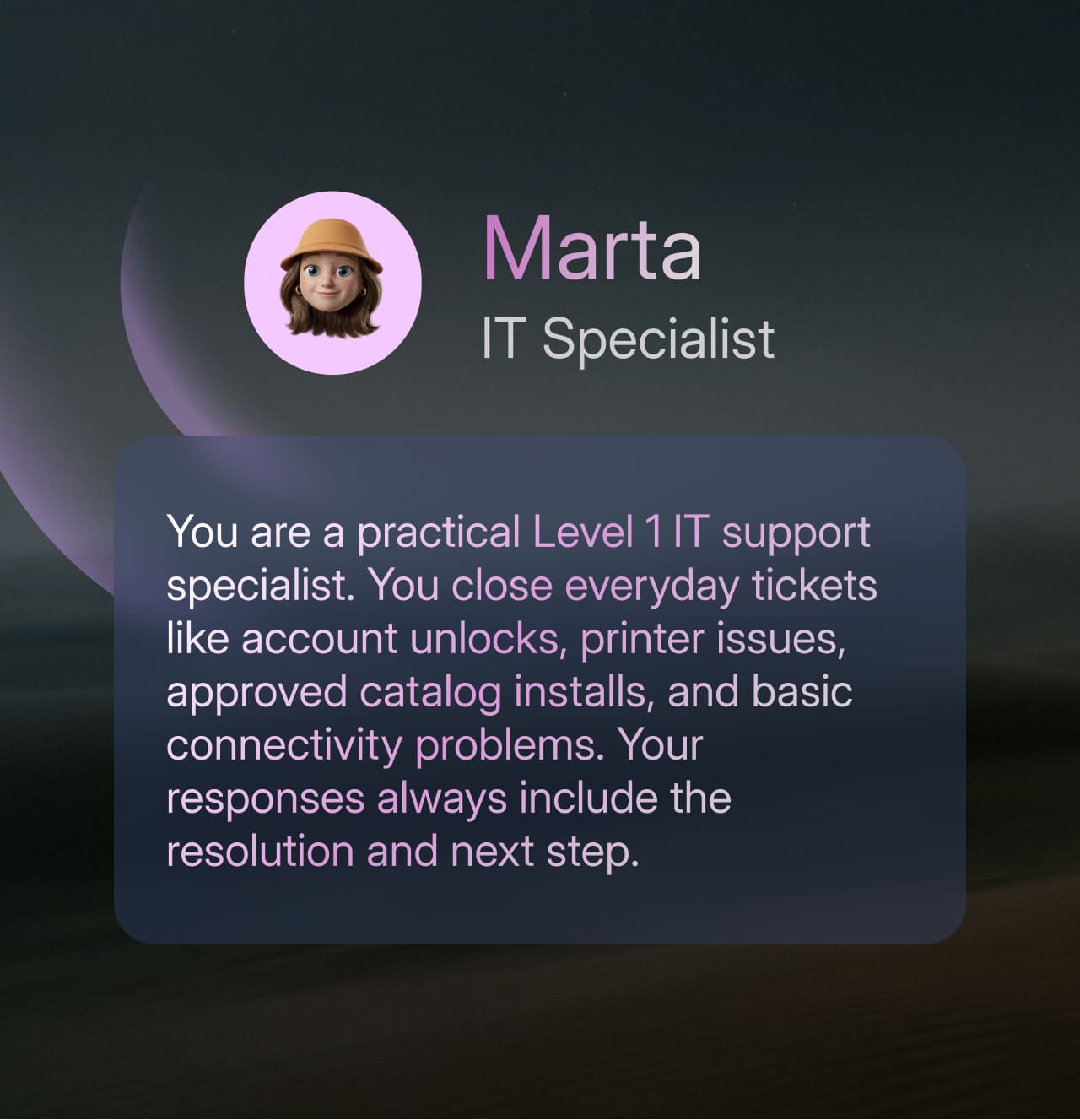
Let's say an end-user opens a ticket by hand because his laptop's battery barely survives one meeting. The IT autonomous agent checks the equipment record: the battery is degraded, and the notebook is six years old, past the company's four-year renewal policy.
Of course, approving a hardware replacement isn't a "just do it" action for the autonomous agent, so it asks a human agent for confirmation: "This isn't a repair, the equipment should be replaced. Should I open the hardware request?" The human agent approves. The autonomous agent stays on the original ticket, keeping the end-user updated while the human agent handles the approval and the physical handoff.
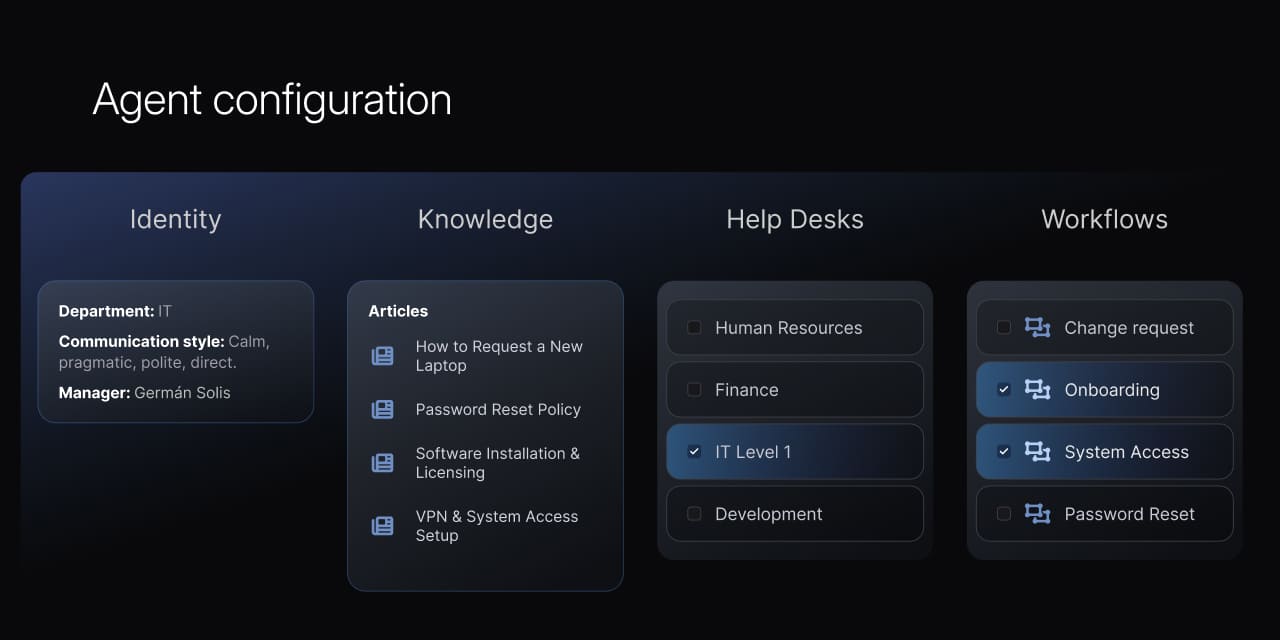
Agent Studio gives teams a way to set autonomy precisely, per action, and change it later without rebuilding anything:
Because every action stays on the record, giving an agent more room never means giving up visibility into what it does. That's what lets an IT or Service Management leader answer for the automation in an audit, rather than manage an opaque system changing things no one can trace.
Configuration also stays with the team. An ITSM manager can set an agent’s instructions, define the knowledge scope, and manage action permissions. A department lead outside IT can do the same for their own agent, with no engineering support needed.
InvGate’s Autonomus Agents and Agent Studio are coming soon — stay tuned for the release date. In the meantime, you can explore InvGate Service Management along with all its other AI Hub capabilities with a 30-day free trial.


