Government IT teams rarely have the luxury of starting from scratch. They're modernizing while supporting critical public services, working within procurement rules, budget cycles, compliance requirements, and organizations where every change affects multiple departments.
That doesn't make government ITSM fundamentally different from ITSM elsewhere. The goals are largely the same: improve service delivery, standardize processes, and give IT better visibility into its operations. What changes is how those initiatives gain support, how they're introduced, and the pace at which they can grow.
To understand what actually works, we looked at lessons shared at InvGate's industry forum on government IT modernization by three public-sector IT leaders : Keith Bluestein, Deputy CIO at the Judicial Branch of Arizona in Maricopa County; Gabriel Colon, Assistant Director at the City of Coppell, Texas; and Lance Spranger, CIO at Waukesha County, Wisconsin. Collectively, they've led Service Management initiatives across city, county, state, and federal organizations, offering practical insights into getting projects approved, building momentum, and expanding them over time.
Start with the pain that already has budget behind it
The most common mistake in a government ITSM rollout is treating it as one project with one finish line: implement ticketing, asset tracking, workflows, and reporting all at once, then declare the modernization complete. That approach asks a small team to absorb an enormous amount of change simultaneously, and it gives the project no natural sponsor. Nobody signs off on "modernization" as a line item. People sign off on a specific answer to a specific question they're already being asked.
That's why the more reliable way to start is to find the one problem that already has a stakeholder demanding an outcome, and solve that first. In a lot of government IT shops, that stakeholder is whoever owns the budget conversation: that could be an HR director looking to standardize employee onboarding across departments, a controller who can't reconcile software licenses against invoices, a council member asking why the department is still paying maintenance on hardware nobody can locate. Any of these can become the wedge that gets a new platform in the door, because the ask is concrete and the payoff is measurable.
Keith Bluestein described how that happened in the Judicial Branch of Arizona in Maricopa County. The first priority wasn't implementing a full service management practice. Finance needed a reliable view of IT assets.
"Money makes IT go. We always need money. And, of course, we heard loud and clear from our CFO: I really need to get my hands around this." — Keith Bluestein, Deputy CIO, Judicial Branch of Arizona in Maricopa County
The payoff showed up almost immediately, and in a form the finance office could act on without any translation from IT.
"We brought it in, and literally within days, we were compliant. We could produce a report that when we sent it to our finance team, they thought they were gonna cry. They'd never seen something so complete and neatly organized." — Keith Bluestein, Deputy CIO, Judicial Branch of Arizona in Maricopa County
Every successful rollout needs that first win. Choosing a use case that already matters to the business makes it much easier to build momentum for everything that follows.
Right-size the tool before you right-size the rollout
Government IT teams rarely have specialists dedicated to every platform they manage. The same people who handle the service desk often maintain workflows, manage assets, support infrastructure, and respond to day-to-day requests from multiple departments. Any platform they adopt has to fit that reality.
Ease of administration becomes just as important as feature depth. Every workflow that requires specialized expertise, outside consultants, or vendor support takes longer to improve and becomes harder to maintain over time.
"We're lean. We don't have a lot of resources. So having a person that can do a lot of things with this very capable tool is much better than having one tool that is taking seven resources to do something that's really of limited value."
— Keith Bluestein, Deputy CIO, Judicial Branch of Arizona in Maricopa County
Lean teams also benefit from reducing the number of systems they have to master. A platform that supports several Service Management processes through a common interface reduces training, documentation, and ongoing administration.
"What I love about InvGate is that I get the tools to allow my team to do workflow automation with a couple of clicks. It empowers our users. I don't need a full-time administrator. If something were to happen, to me or somebody else, anybody can come in and be an administrator of this tool because it's so simple."
— Gabriel Colon, Assistant Director, City of Coppell, TX
That's a useful filter to apply before signing anything: could the same person who triages tickets today also build or adjust a workflow tomorrow, without opening a support case or waiting on a vendor callback? In a team with long tenure and thin backups, that question matters more than almost any capability on a comparison spreadsheet, because the tool has to keep working when the one person who understands it takes a vacation, changes roles, or leaves.
Give people one door
Service requests in government tend to arrive through whatever channel happens to exist at the moment someone needs help: an email to a person they've worked with before, a message in a chat platform, a conversation in the hallway.
This is mostly the natural result of never having built a single, well-known place to ask. Over time, that fragmentation creates two separate problems. The people who know the right person to email get faster service than the people who don't, which quietly turns support into a relationship-dependent privilege rather than a consistent service. And none of those informal requests get logged anywhere, so the IT department has no real data on demand, volume, or recurring problems, which makes it almost impossible to justify additional resources or prioritize fixes with evidence.
Waukesha County lived with this for years before consolidating around a single service portal.
"There were several ways to ask for help, and you had to know them. They weren't well publicized. It could have been an email, it might have been a tap on the shoulder, it could have been a team's chat. The many doors led you to many different options that give you different types of responses."
— Lance Spranger, CIO, Waukesha County, WI
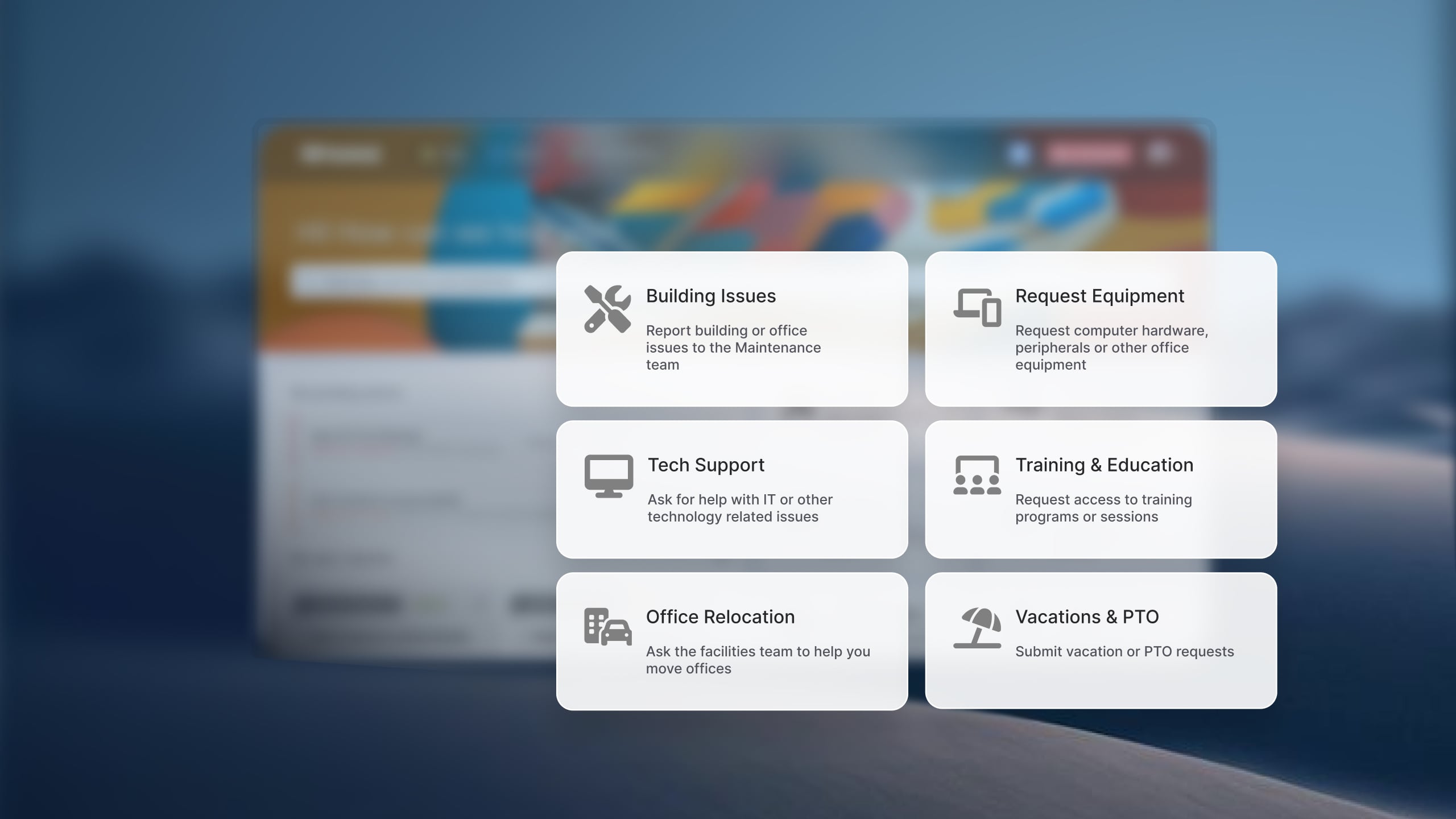
Getting people to actually use that single door takes more than turning it on. Spranger's team also embedded direct links to specific request types wherever people were already looking for help, rather than pointing everyone at one generic form and hoping they'd navigate to the right category on their own.
Consider bringing services back in-house
Government organizations adopt managed service providers for many good reasons: gaining specialized expertise, extending support hours, or supplementing a small internal team. Those arrangements can work well for infrastructure operations, specialized services, or projects that don't require close coordination with day-to-day business needs.
Over time, though, it's worth reassessing whether the original model still fits the work being outsourced. Service desks, employee requests, and other high-volume operational services often depend on context, frequent communication, and quick decisions. When requests repeatedly move between the business, the MSP, and the internal IT team, each handoff adds time and makes the process harder to improve.
Some signs that it's worth reviewing the arrangement include recurring approval loops, duplicated work between the provider and internal staff, requests that are routinely reassigned before they're resolved, or situations where the internal team already has the knowledge to complete the work but still has to wait for the provider to pass it along.
"Leaning into an MSP for our ticketing and our help desk really just added roadblocks to servicing our departments, because you had a process on top of a process. The MSP would then have to ask for permission or ask for an approval when my team could have probably done it in thirty minutes to an hour." — Gabriel Colon, Assistant Director, City of Coppell, TX
That doesn't mean every organization should replace its MSP. It does mean the service delivery model deserves the same level of evaluation as the platform itself. When the internal team already has the expertise, understands the organization's priorities, and owns most of the work, bringing those services back in-house can remove layers that no workflow automation can eliminate.
Closing the loop: adoption
Even a well-sequenced rollout runs into the same three problems eventually, usually in the same order: a department that won't centralize, a workforce that drifts back toward informal habits once the initial launch energy fades, and a tendency to treat go-live as the finish line rather than the start of ongoing work.
People need opportunities to ask questions, suggest improvements, and see that their feedback influences how the platform evolves. Adoption grows over time when users feel the service is becoming easier to work with, not simply because they attended training.
Creating those feedback channels also distributes ownership beyond the IT department. Change champions can surface issues early, explain new processes in the context of their own teams, and help identify opportunities to improve workflows that IT might not see on its own.
"We had a change champion team, and those team members were carefully selected... they're the ones that are out there to share the information and then share feedback back to the team." — Lance Spranger, CIO, Waukesha County, WI
People also absorb information in different ways and on different schedules. Combining live sessions, recorded content, documentation, office hours, and other communication channels gives employees multiple ways to learn without disrupting their daily work.
"We did some town hall type meetings, some recorded content, some live content... that ability to meet people exactly where they are, their learning style, really helped us stay in tune to the masses of customers."
— Lance Spranger, CIO, Waukesha County, WI
Strong adoption creates something beyond a successful ITSM implementation: it gives the organization confidence to improve additional services.
Once employees are comfortable requesting services through a common portal and departments have experience working with standardized workflows, the same approach can support HR, Facilities, Finance, Procurement, and other internal teams. For many government organizations, that's how ITSM gradually becomes Enterprise Service Management (ESM), extending the same service principles across the organization instead of remaining an IT initiative.
Modernizing government services doesn't have to happen all at once. Starting with one high-impact use case, involving the right stakeholders, and building adoption over time creates a foundation that can support broader service transformation.
Try InvGate Service Management free for 30 days and see how an intuitive, no-code ITSM platform can help your team modernize services at its own pace.