















Help desk teams resolve issues faster when they can see the full asset record directly inside a ticket. Knowing whether a device is under warranty, what software is installed, or who it was previously assigned to changes how agents triage and resolve requests. Without that context, agents either waste time looking it up in a separate system or proceed without it.
The best IT asset tracking software for help desk teams puts that information where it's needed: inside the ticket, without extra steps. This article covers five platforms that connect IT asset tracking and help desk operations natively.
The value of asset tracking for help desk teams isn't just having an inventory. It's having that inventory connected to the work the team is already doing. When a ticket comes in about a slow laptop, the agent seeing the device's RAM usage, installed software, and last maintenance date inline means faster diagnosis. When a ticket gets escalated, the next agent doesn't start from scratch. When incidents cluster around a specific device model or software version, that pattern only becomes visible if asset and ticket data share the same platform.
For teams managing onboarding and offboarding, the link between assets and service requests is equally important. Knowing which device is assigned to which employee and what software is licensed to it turns a manual coordination exercise into a structured, trackable workflow.

InvGate Asset Management is purpose-built IT Asset Management (ITAM) software that integrates natively with InvGate Service Management, giving help desk teams direct access to the full asset record from within any ticket. Agents see hardware lifecycle data, status, software inventory, and chain of custody history without leaving the ticket view. From the asset side, a ticket can be opened directly, connecting incident resolution and Asset Management in both directions.
The platform builds a complete inventory of IT assets and any other type of asset the organization needs to track, covering hardware lifecycle, software usage compared against contracted licenses, and the full chain of custody for every device. Automations and AI capabilities reduce the manual overhead help desk teams typically carry, from compliance monitoring to proactive alerts on warranties, renewals, and end-of-life dates.
Start a 30-day free trial or talk to Sales to find the right plan.
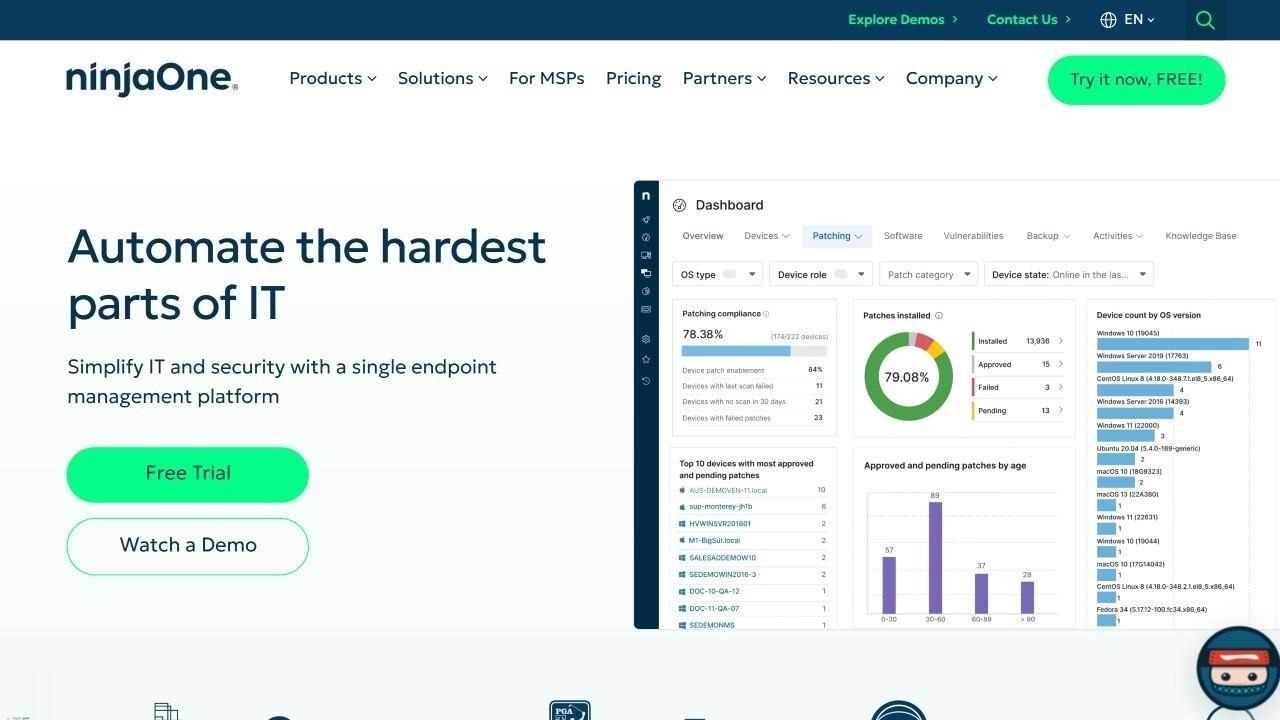
According to NinjaOne's official website, NinjaOne is a cloud-native IT management platform combining endpoint management, remote monitoring, patch management, and IT asset tracking in a single interface. Help desk agents access full device records — hardware configuration, installed software, patch status, and device health — directly from the ticketing interface. For teams managing distributed or remote workforces, NinjaOne's agent-based approach keeps asset records current as endpoints change.
NinjaOne does not publicly list pricing. Prospective customers are directed to request a custom quote.
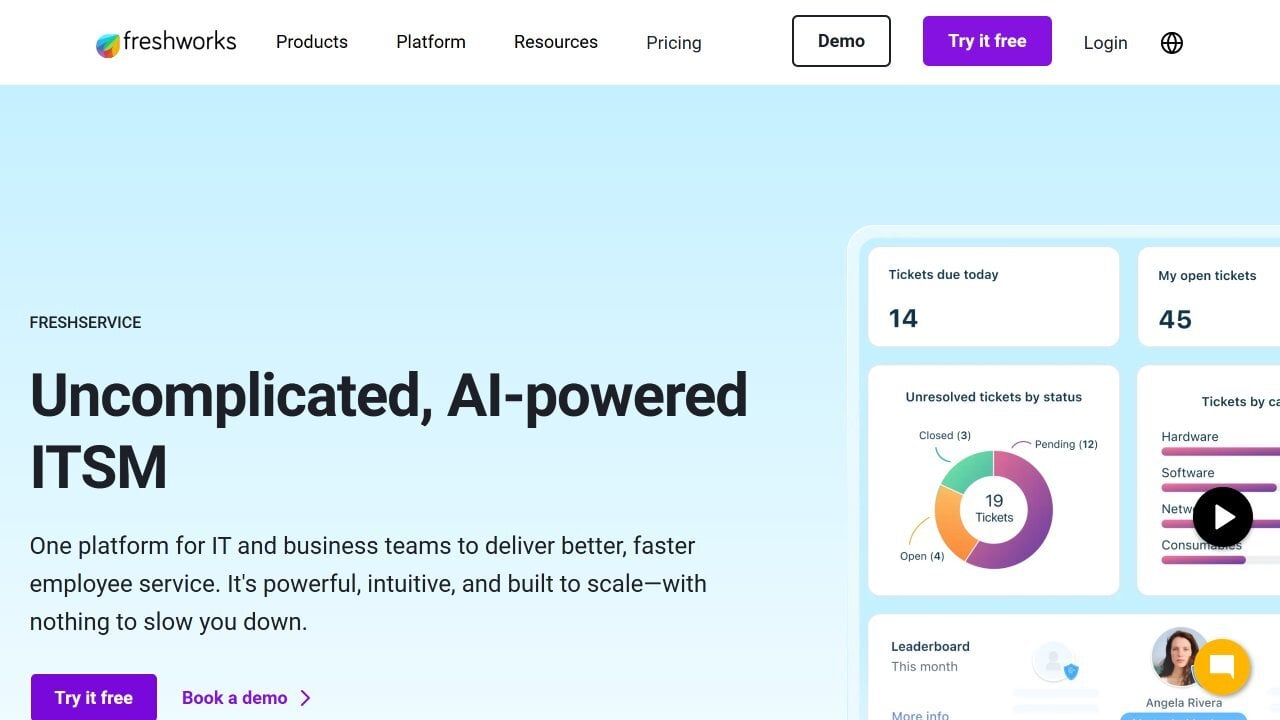
According to Freshservice's official website, Freshservice includes a native Configuration Management Database (CMDB) and asset management module integrated directly into its service desk. Agents see asset details, ownership history, and open incidents linked to a configuration item inline when working on a ticket. Auto-discovery covers hardware, cloud, and SaaS assets, keeping inventory current without manual updates.
Freshservice's ITSM plans start at $19 per agent per month. A 14-day free trial is available with no credit card required.
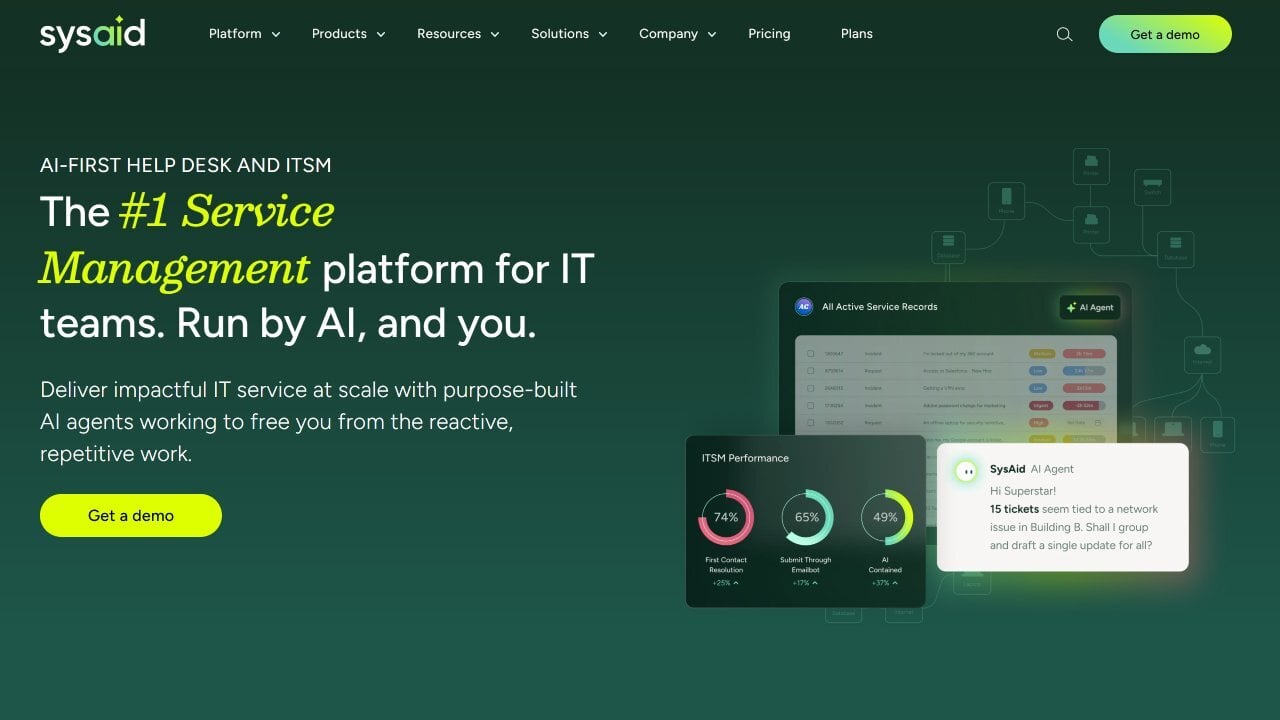
According to SysAid's official website, SysAid is an ITSM platform with built-in asset management closely integrated with its help desk module. End users can attach assets to service records when submitting tickets, and agents have full service history visibility for each asset directly from the ticket view. The platform includes automated network discovery, software license tracking, and a CMDB. SysAid's AI agents flag license and asset compliance issues automatically and trigger tickets when conditions are met.
SysAid does not publicly list pricing. Prospective customers are directed to contact the sales team for a custom quote.
According to ManageEngine ServiceDesk Plus's official website, ServiceDesk Plus includes asset management and a CMDB natively within its ITSM platform. Help desk agents see asset details, configuration history, and linked incidents and changes directly from ticket views. Hardware and software lifecycle tracking, license compliance, and procurement are managed in the same interface. The platform supports both cloud and on-premises deployment, and its asset module auto-syncs with network devices through built-in discovery.
Per ManageEngine's official pricing page, the Standard plan starts at $13 per technician per month for the cloud version. A 30-day free trial is available.
The best IT asset tracking software for help desk teams is the one where asset data is genuinely accessible inside the ticket workflow.
NinjaOne is a strong fit for teams that prioritize endpoint visibility and remote management alongside ticketing. Freshservice offers fast deployment and clean CMDB integration for mid-market help desks. SysAid provides a unified ITSM and ITAM experience with AI-driven automation built for help desk operations. ManageEngine ServiceDesk Plus is a practical mid-market option with transparent pricing and on-premises flexibility.
For teams that want purpose-built ITAM and ITSM connected natively in both directions, InvGate Asset Management and InvGate Service Management work as an integrated suite designed exactly for that use case.
Disclaimer: All product names, logos, and brands are property of their respective owners. All company, product, and service names used on this site are for identification purposes only. Use of these names, trademarks, and brands does not imply endorsement. Comparisons are based on publicly available information as of June 2026 and are provided for informational purposes only.


