Nonprofit IT teams run on tight budgets and thin staffing, often with one person covering IT, HR requests, and volunteer coordination at once. A help desk platform priced for enterprise support teams rarely fits that reality, and a free tool that caps out at two agents doesn't scale past a single hire.
The right choice depends on team size, request volume, and whether IT is the only department that needs support. A five-person nonprofit testing the waters has different needs than a fifty-employee organization consolidating IT, HR, and Facilities onto one platform.
This comparison covers five platforms worth evaluating for nonprofits. Each entry includes what the platform does, the features that matter most for nonprofit budgets and workflows, and current pricing.
Key takeaways
- Nonprofits need help desks with low administrative overhead, fast setup, and self-service to manage requests without a dedicated IT team.
- High volunteer turnover makes no-code configuration and minimal training requirements non-negotiable.
- The right platform covers IT and other departments — HR, Facilities, volunteer ops — from a single queue, not separate tools.
- Free plans and nonprofit discount programs exist across vendors, but come with trade-offs in automation, reporting, and scalability.
- InvGate Service Management is one option evaluated here; see the methodology note below.
Why nonprofits need a different kind of help desk
Nonprofit IT teams often have to support an organization with far fewer resources than a business of the same size. A small team may be responsible for employees, volunteers, contractors, and field workers spread across multiple locations, while also keeping costs under control and meeting donor or regulatory requirements.
At the same time, the nature of the work creates unique support demands. New volunteers may need accounts for a short period, fundraising events can generate sudden spikes in support requests, and many staff members work remotely or in the field with limited access to IT. Every hour spent on repetitive administrative work is time taken away from supporting the organization's mission.
Help desk software allows nonprofits to organize that work instead of simply reacting to it. The right platform reduces manual effort, gives users ways to solve common issues themselves, and provides visibility into workloads so a small IT team can support more people without adding headcount.
What to look for in nonprofit help desk software
The best nonprofit help desk solutions focus on reducing administrative work while remaining affordable and easy to manage. When comparing options, prioritize features that help a lean IT team work more efficiently.
Look for:
- Self-service portal and knowledge base so users can resolve common issues without opening a ticket.
- Workflow automation to route requests, approvals, and notifications automatically.
- An intuitive interface that requires minimal training for both agents and end users.
- Asset Management integration to connect incidents and requests with the devices involved.
- Reporting and dashboards to measure response times, workloads, and service quality.
- Scalability so the platform can support new programs, locations, or users as the organization grows.
- Cloud deployment and remote support tools for distributed teams and field staff.
- Security and access controls to protect sensitive donor, employee, and beneficiary information.
Best Help Desk Software for Nonprofits
Methodology note: InvGate develops IT Service Management and IT Asset Management software, so we’re directly involved in the same market as some of the vendors mentioned here. Even so, our purpose is to share reliable and unbiased information to help you evaluate your options. We assessed each platform on core ITSM functionality, ease of implementation and use, scalability across team sizes, deployment flexibility, AI, and automation capabilities. Our analysis draws on official product documentation, hands-on testing where possible, and verified user reviews.
Here are five platforms worth evaluating:
InvGate Service Management
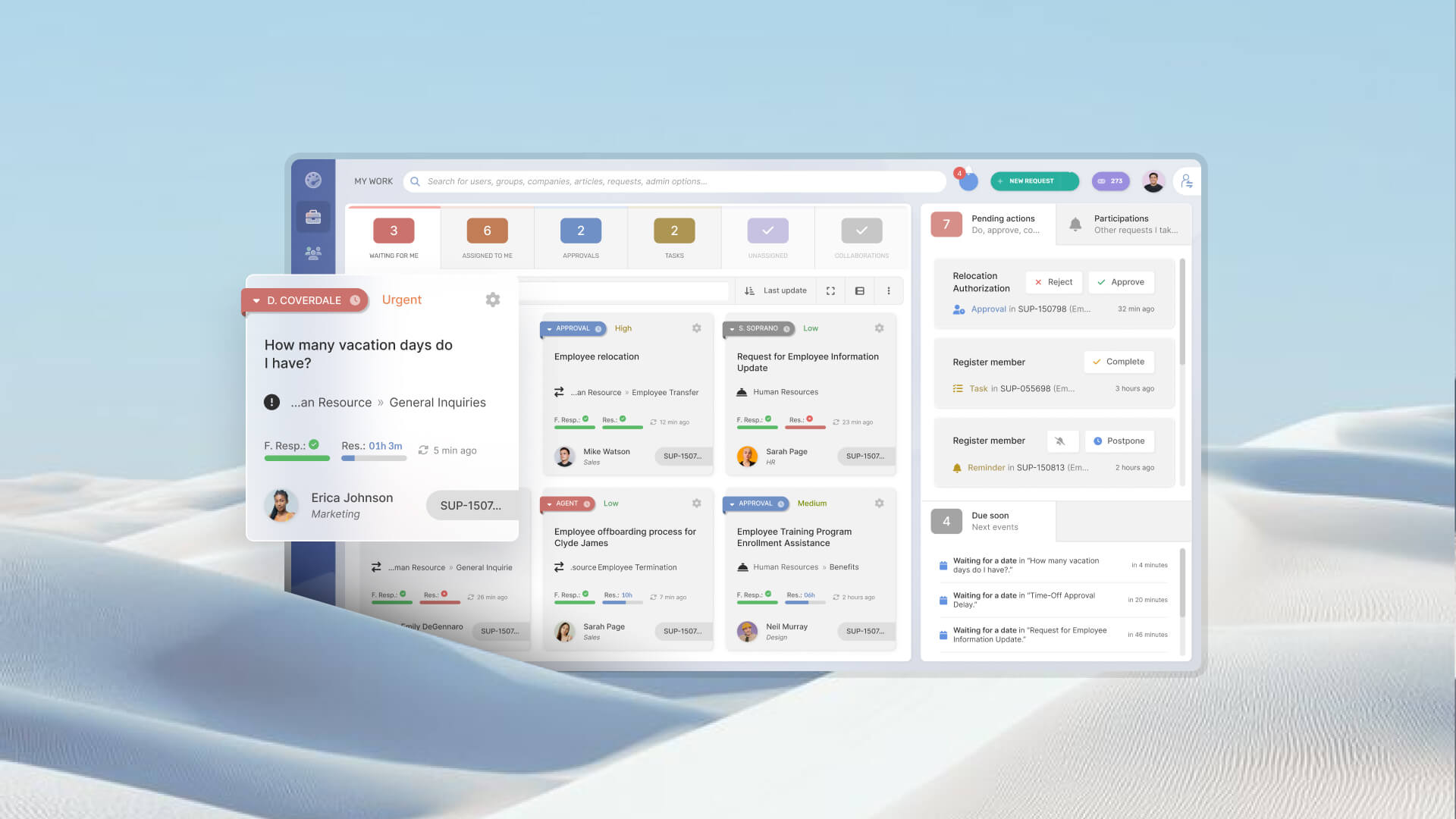
InvGate Service Management runs on a no-code workflow engine with drag-and-drop configuration, so setup doesn't require a developer or a consultant. It supports multi-department service delivery out of the box: IT, HR, and Facilities operate from a single portal without separate tool licenses. The self-service portal includes an AI-powered Virtual Service Agent that suggests answers and deflects tickets before they reach the queue.
Key features for nonprofits:
- No-code workflow builder, so a small IT team can configure processes without outside help.
- Multi-department support from one deployment, useful for nonprofits running IT, HR, and operations through a single team.
- Virtual Service Agent and AI features that are included in all pricing tiers. Ideal for ticket deflection, which matters when staff time is limited.
Pricing:
- Starter: $1,499/year fixed, covers 5 agents.
- Pro: $500/agent/year, starting at $2,500/year for 5–100 agents.
- Enterprise: custom, starting at $12,000/year for any number of agents.
For a practical look at how it works, request a 30-day free trial.
Freshdesk
Freshdesk is a customer support platform offering ticketing, a knowledge base, and automation across email, chat, phone, and social channels. The free program strips this down to the essentials: email ticketing, a knowledge base, basic ticket dispatch, and pre-built analytics, with SLA rules, automation, and AI features reserved for paid plans.
Key features for nonprofits:
- Email and social ticketing, knowledge base, and ticket trend reports on the free program
- Growth plan adds automation, marketplace apps, and CSAT surveys
- Multilingual knowledge base and SLA management on Pro
- Omnichannel support (chat, phone, SMS) available under Freshdesk Omni for organizations managing multiple contact channels
Pricing:
These are the pricing tiers for Freshdesk customer service
- Free program: up to 2 agents, time-limited to 6 months.
- Starter: $19/agent/month (annual billing).
- Enterprise: $89/agent/month.
- Freddy AI Copilot: $29/agent/month, sold separately.
- Checked on: July 2026 (US), official website.
HappyFox
HappyFox is omnichannel: email, social, phone, and web forms route into a single queue. Automation runs through Smart Rules and auto-assignment. The self-service portal supports a knowledge base and multilingual content, which matters for nonprofits with diverse beneficiary populations. HappyFox also maintains a dedicated nonprofit use-case page, with workflows covering donor management and volunteer coordination alongside IT.
Key features for nonprofits:
- Multilingual self-service portal for diverse beneficiary populations.
- Smart Rules automation and proactive agent collision detection.
- Purpose-built nonprofit workflows for donor and volunteer coordination.
Pricing:
- Basic: $24/agent/month, capped at 5 agents.
- Team: $49/agent/month.
- Higher tiers (Pro, Enterprise Pro): scale up from there, with unlimited-agent plans available for large teams.
- Checked on: July 2026 (US), official website.
Jira Service Management
Jira Service Management offers ITIL-aligned templates for incidents, requests, problems, and changes, with an embedded knowledge base and basic queues on its free tier. Configuration depth is the trade-off for its power: nonprofits with a technical IT person or an existing Atlassian ecosystem get strong value, and organizations without that background face a real setup curve.
Key features for nonprofits:
- Free tier for up to 3 agents with core ITSM templates
- ITIL-aligned incident, problem, and change workflows
- Atlassian's nonprofit discount program, one of the more substantial verified discounts in this category
Pricing:
- Free: $0, up to 3 agents, capped at 500 automation runs/month
- Standard: around $20–24/agent/month
- Premium: around $51–53/agent/month
- Enterprise: custom quote
- Checked on: July 2026 (US), official web.
Zoho Desk
Zoho Desk offers a permanent free tier for up to 3 agents with email ticketing, a help center, and a private knowledge base. Automation is minimal until the Standard plan, and Zia AI features are Enterprise-only. Its strongest case is ecosystem integration: a nonprofit already using Zoho CRM, Books, or Projects gets native sync that reduces tool sprawl.
Key features for nonprofits:
- Permanent free tier for 3 agents, with no time limit
- Native integration with the wider Zoho suite (CRM, Books, Projects)
- Workflow automation and SLA management from the Standard plan up
Pricing:
- Free: $0, up to 3 agents (permanent)
- Express: $7/agent/month
- Standard: $14/agent/month
- Professional: $23/agent/month
- Enterprise: $40/agent/month, includes Zia AI
- Checked on: July 2026 (US), official website.
Disclaimer: All product names, logos, and brands are property of their respective owners. All company, product, and service names used on this site are for identification purposes only. Use of these names, trademarks, and brands does not imply endorsement. Comparisons are based on publicly available information as of July, 2026 and are provided for informational purposes only.
FAQs
Do nonprofits get discounts on help desk software?
Several vendors have formal programs — the exact rate requires contacting the vendors. For very small nonprofits, free tiers are an alternative starting point, but come with limits on automation, reporting, and the number of agents that can realistically scale.
What's the difference between a help desk and a ticketing system for nonprofits?
The terms are often used interchangeably in vendor marketing. A ticketing system is the core mechanism — it captures, tracks, and routes requests. A help desk is the broader system that wraps around it: SLAs, routing rules, a knowledge base, a self-service portal, and reporting. When evaluating software, the question isn't which label a vendor uses, but whether the platform covers the full workflow from request intake to resolution, not just ticket logging.
How long does it take to set up help desk software for a nonprofit?
It depends significantly on the platform. Cloud-based, no-code platforms can be operational within hours to a couple of days for a basic configuration — categories, routing rules, and a self-service portal. Platforms with more complex configuration requirements or on-premise deployments can take several weeks. For most nonprofits without a dedicated implementation team, cloud no-code is the realistic path, and setup time should be confirmed with the vendor before committing.