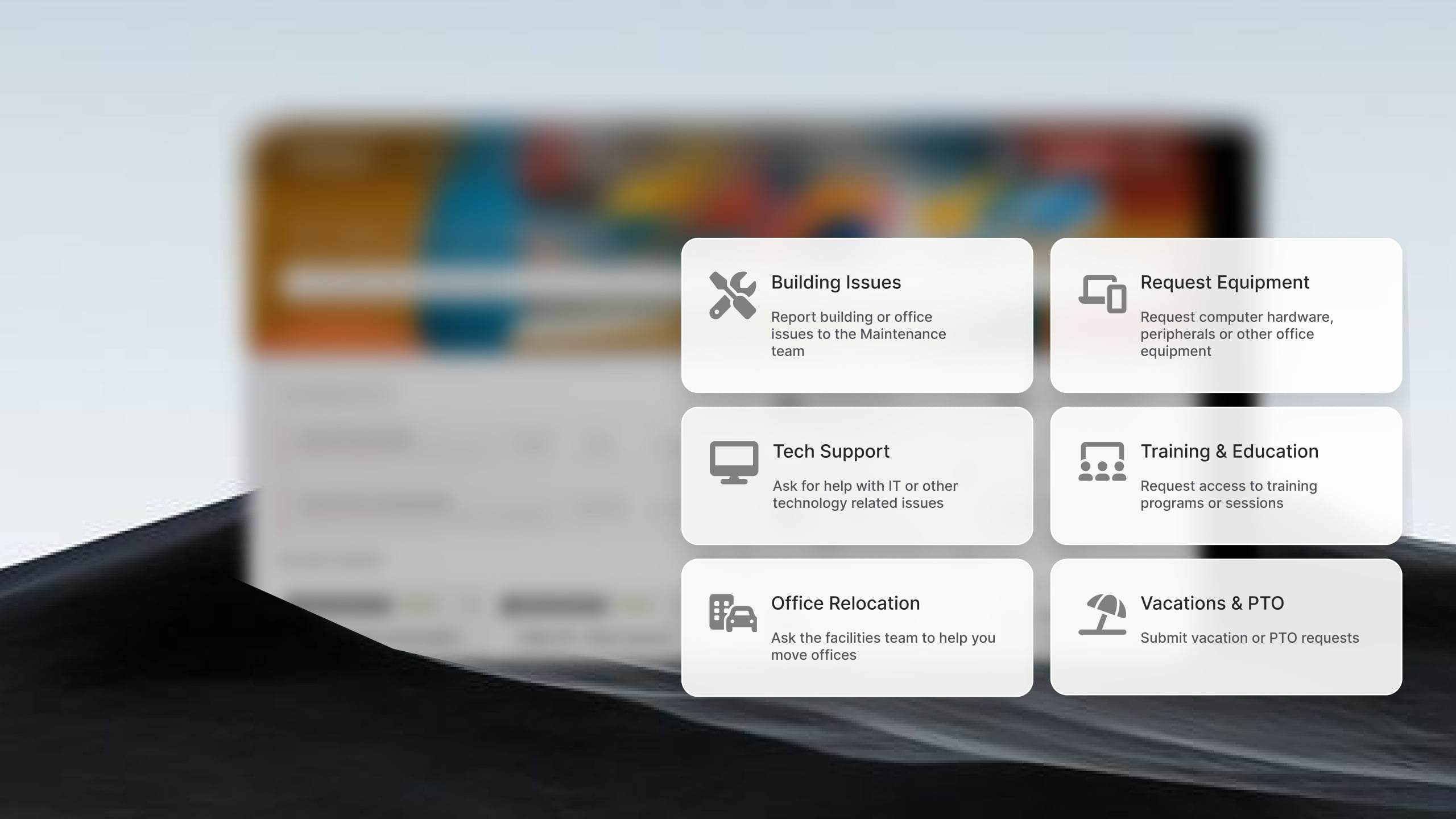
Growth creates a different set of requirements for IT teams. A help desk that works well for a 20-person company can become difficult to manage when ticket volume increases, multiple departments need service workflows, and leadership expects SLA reporting and process visibility.
The challenge is not simply handling more tickets. IT teams need software that supports additional agents, more complex workflows, self-service adoption, and cross-department service delivery without requiring a migration a year later.
In this guide, we'll compare five help desk platforms that support growth and examine the scalability features, pricing considerations, and operational capabilities that matter when evaluating long-term fit.
Key takeaways
- Growing companies need a help desk that works today and doesn't require a full migration when IT complexity doubles.
- The biggest trap: picking a cheap tool for 10 people that breaks at 100 — when SLAs, multi-department workflows, and ITIL processes enter the picture.
- No-code automation and a self-service portal are the two features that keep ticket volume manageable without adding headcount.
- ESM capability — routing requests from IT, HR, and Facilities on a single platform — is what separates scalable tools from tools you'll outgrow.
Signs you've outgrown your current help desk
Most companies don't start looking for a new help desk because they need more features. They start looking because growth exposes process gaps that weren't a problem six months ago.
If any of the situations below sound familiar, focus on the capabilities tied to that challenge during your evaluation.
-
Requests are getting lost between teams: A shared inbox works when IT consists of a few people. Growth introduces more specialists, more approvals, and more departments involved in service delivery. Suddenly, requests sit unassigned, employees follow up repeatedly, and nobody knows who owns the issue.
Look for: Automated ticket routing - Team-based queues - SLA management - Escalation workflows - Multi-department service desks.
-
Ticket volume is growing faster than the IT team: Many growing companies discover they are hiring support staff simply to keep up with repetitive requests. Password resets, software access requests, onboarding tasks, and common questions consume time that could be spent elsewhere.
Look for: Self-service portals - Knowledge management - AI-powered assistance - Request catalogs - Workflow automation.
-
More departments want to use the platform: The first request usually comes from HR. Then Facilities. Then Finance. Suddenly, the help desk becomes a company-wide service platform. Some tools support this expansion easily. Others require separate products, additional licenses, or entirely new implementations.
Look for: Enterprise Service Management (ESM) - Multiple help desks in one platform - Department-specific workflows - Independent service catalogs - Cross-department reporting.
-
Reporting has become a manual exercise: If SLA reports live in spreadsheets and leadership requests require hours of manual work, the platform is no longer keeping pace with the business. Growth creates pressure for service metrics, trend analysis, and visibility into team performance.
Look for: Real-time dashboards - SLA reporting - Executive-level reporting - Custom analytics- Cross-team visibility
-
Every process change requires technical help: Growing organizations constantly adjust approval chains, onboarding workflows, escalation paths, and ownership rules. When every change requires scripting, consulting services, or vendor assistance, IT becomes less responsive.
Look for: No-code workflow builders - Drag-and-drop automation - Business-rule configuration - Low-maintenance administration.
-
You're worried about replacing the platform in two years: The most expensive help desk implementation is often the second one. Many organizations select a lightweight tool that works today but lacks the structure needed for future growth.
Look for: ITSM capabilities that can be enabled progressively - Change and problem management support - Asset Management integrations - Flexible licensing models - Proven support for larger teams and multiple departments.
Which help desk software scales best?
The answer depends on how growth affects your organization.
- If you expect multiple departments to adopt service management, prioritize ESM capabilities and licensing flexibility.
- If automation is your primary concern, evaluate workflow builders and self-service options.
- If development and IT operations work closely together, ecosystem integrations may matter more than standalone ITSM features.
- If asset visibility becomes increasingly important, look for native asset management capabilities rather than third-party integrations.
The most scalable help desk platforms allow organizations to add departments, automate more processes, increase ticket volume, and introduce ITSM practices without requiring a platform replacement. That reduces implementation costs, training effort, and operational disruption as the company grows.
Best help desk software for growing companies: top tools compared
Methodology note: InvGate develops and offers InvGate Service Management, making it an active participant in this market. Even so, we aim to deliver accurate, honest, and practical information that helps you make the best decision. All vendors below receive the same structural treatment, the same evaluation criteria, and the same amount of space. Evaluations are based on publicly available information, official product documentation, and user reviews on Gartner Peer Insights, G2, and Capterra.
InvGate Service Management
Best for: Growing IT teams that need no-code ITSM with ESM capabilities from day one.
Tool overview: InvGate Service Management is an ITSM and ESM platform built for organizations that expect service operations to expand beyond a single IT help desk. Teams can start with incident and request management, then progressively introduce automation, ITIL practices, and multi-department service delivery without replacing the platform.
Key scalability features:
- Multiple help desks for IT, HR, Facilities, Finance, and other teams
- No-code workflow builder for routing, approvals, escalations, and SLAs
- Self-service portal and knowledge base
- AI Hub with ticket summarization and suggested responses
- Virtual Service Agent for Microsoft Teams and WhatsApp
- Native integration with InvGate Asset Management
- Cloud and on-premise deployment options
- Approvers do not require paid agent licenses
Pricing:
- Starter: 24.98/agent/month billed annually and 5 agents minimum - $1499/year.
- Pro: $500/agent/year. 5 - 50 agents
- Enterprise: Custom pricing for larger organizations.
Want to see all these in action? Check how the tool works by signing up for a 30-day free trial.
Freshservice
Best for: Mid-market IT teams moving from basic ticketing to structured ITSM.
Tool overview: Freshservice is a cloud-based ITSM platform designed to help organizations introduce more structure into service operations without extensive implementation work. Its interface and workflow capabilities make it a common choice for teams transitioning from email-based support or basic help desks.
Key scalability features:
- Visual workflow automation
- Native CMDB and asset management capabilities
- Freddy AI for ticket categorization and assistance
- Service catalog and self-service portal
- Incident, problem, change, and release management
- Multi-team service delivery support
- SaaS architecture that scales with agent growth
Pricing: Prices for annual billing are:
- Starter: $19 per agent, per month.
- Growth: $49 per agent, per month.
- Pro: $99 per agent, per month.
The fourth tier, Enterprise, requires a quote. - Checked on June 2026 (US) official website.
Jira Service Management
Best for: Growing IT teams already using Atlassian products.
Tool overview: Jira Service Management extends the Atlassian ecosystem into service management. It is particularly attractive for organizations where IT, engineering, and development teams work closely together and want to share workflows, projects, and reporting.
Key scalability features
- Automation engine for workflow management
- Integration with Jira Software and DevOps tools
- Asset and configuration management
- Change management tied to deployment pipelines
- Large marketplace of integrations and extensions
- Multi-project and multi-team support
- Enterprise-grade administration controls
Pricing: A free plan is available for small teams. Paid plans scale per agent, with enterprise features available in premium tiers.
Zendesk
Best for: Growing organizations that want to manage employee services and customer support within the same ecosystem.
Tool overview: Zendesk Employee Service applies Zendesk's support platform to internal service delivery. Organizations already using Zendesk for customer support can extend familiar workflows and reporting to employee-facing teams such as IT and HR.
Key scalability features
- Omnichannel request management
- Self-service portal and knowledge base
- Workflow automation and ticket routing
- Shared service delivery across departments
- Workforce management and forecasting capabilities
- Extensive integration ecosystem
- AI-powered agent assistance
Pricing:
The customer service plans focus on external client support across channels, while the employee service plans are designed for internal teams managing requests within the organization.
This pricing corresponds to annual billing:
- Customer service:
- Support Team: $19 per agent/month.
- Suite Team: $55 per agent/month.
- Suite Professional: $115 per agent/month.
- Suite Enterprise: $169 per agent/month.
- Employee service:
- Suite Team: $29 per agent/month.
- Suite Growth: – $59 per agent/month.
- Suite Professional: $98 per agent/month.
- Suite Enterprise: price available upon request.
- Checked on: June 2026 (US), official website.
SysAid
Best for: Mid-sized organizations that want ITSM and asset management in a single platform.
Tool overview: SysAid combines service management and IT asset management capabilities, making it appealing for organizations looking to reduce the number of platforms involved in support operations. The platform supports both cloud and on-premise deployments.
Key scalability features
- Built-in IT Asset Management
- Workflow automation and process orchestration
- SysAid Copilot AI capabilities
- Self-service portal and knowledge base
- Incident, problem, and change management
- Service catalog and approval workflows
- On-premise and cloud deployment options
Pricing: Custom pricing based on organizational requirements and deployment preferences.
Disclaimer: All product names, logos, and brands are property of their respective owners. All company, product, and service names used on this site are for identification purposes only. Use of these names, trademarks, and brands does not imply endorsement. Comparisons are based on publicly available information as of April 2026 and are provided for informational purposes only. ServiceNow is a registered trademark of ServiceNow, Inc. InvGate is not affiliated with, sponsored by, or endorsed by ServiceNow.
What growing companies get wrong when choosing a help desk
Choosing by initial price without modeling what it costs at 3x headcount. A $15/agent/month tool for 8 agents looks affordable. At 40 agents — with approvers, stakeholders from two other departments, and an enterprise tier unlocked — the math is entirely different. Run the three-year number before the first demo.
Picking a customer support tool for an IT internal use case. Help Scout, Front, and similar tools are designed for external customer communication. IT internal support is a different discipline: it requires SLA tracking, incident and problem management, change workflows, CMDB integration, and ITIL practices. Importing a customer support tool into an IT context creates a ceiling that becomes obvious very fast.
Underestimating the cost of re-implementation. When a tool can't grow with the organization, the cost isn't just the new license — it's the migration project, the data cleanup, the retraining, the lost configuration history, and the months of reduced productivity during the transition. That cost rarely appears in the initial tool evaluation.
Not planning for ESM from the start. IT gets the service desk first. Then HR asks for a place to manage onboarding requests. Then Facilities wants a repair queue. Then Finance wants invoice approvals tracked. If the platform can't support that without a separate deployment, each department defaults back to email — and the coordination problem that started with IT replicates itself across the company. Picking a platform with multi-department ESM architecture from day one prevents that pattern.
If the team is currently at the startup stage, help desk software for startups covers the earlier part of that trajectory.
FAQs
What is the best help desk software for a growing company?
It depends on the context. If the IT team is the primary user and the company expects to add more departments over time, prioritize ITSM readiness and ESM capability. InvGate Service Management, Freshservice, and Jira Service Management are the most commonly evaluated platforms for this profile. The right choice depends on existing tooling, deployment preferences (cloud vs. on-premise), and how quickly ITIL processes need to be activated.
How do I know when my company has outgrown its current help desk?
The clearest signals: tickets without owners, no SLA tracking, inability to add other departments to the same system, and reporting that requires manual data exports. If any of those describe your current state, the platform has likely already become a constraint. The diagnosis section above covers the breaking points in more detail.
What's the difference between a help desk and a service desk for growing companies?
A help desk handles reactive support — someone submits a ticket, an agent resolves it. A service desk adds structured ITSM practices: incident management, problem management, change management, service catalog, and SLA tracking. As a company grows past 50 employees and IT complexity increases, a ticketing system built only for reactive support typically can't carry the operational load. The service desk model becomes necessary before most teams expect it.
Does help desk software scale to cover HR and other departments?
Yes, through ESM (Enterprise Service Management). Platforms with ESM capability allow IT, HR, Facilities, and Finance to manage their own queues, SLAs, and service catalogs within a single platform instance. The key variable is whether ESM is part of the core architecture or an add-on that requires a separate implementation — that distinction matters significantly for both cost and operational complexity.
What should I look for in help desk software pricing as my team grows?
Per-agent pricing is standard but scales non-linearly. The questions to ask: Do approvers and stakeholders outside IT require paid licenses? Are ITIL practices locked behind enterprise tiers or available at mid-tier plans? What's the cost of adding a second department to the system — does it require a new contract or is it included? The total cost of ownership at 3x your current headcount is a more honest evaluation metric than the current per-agent rate.