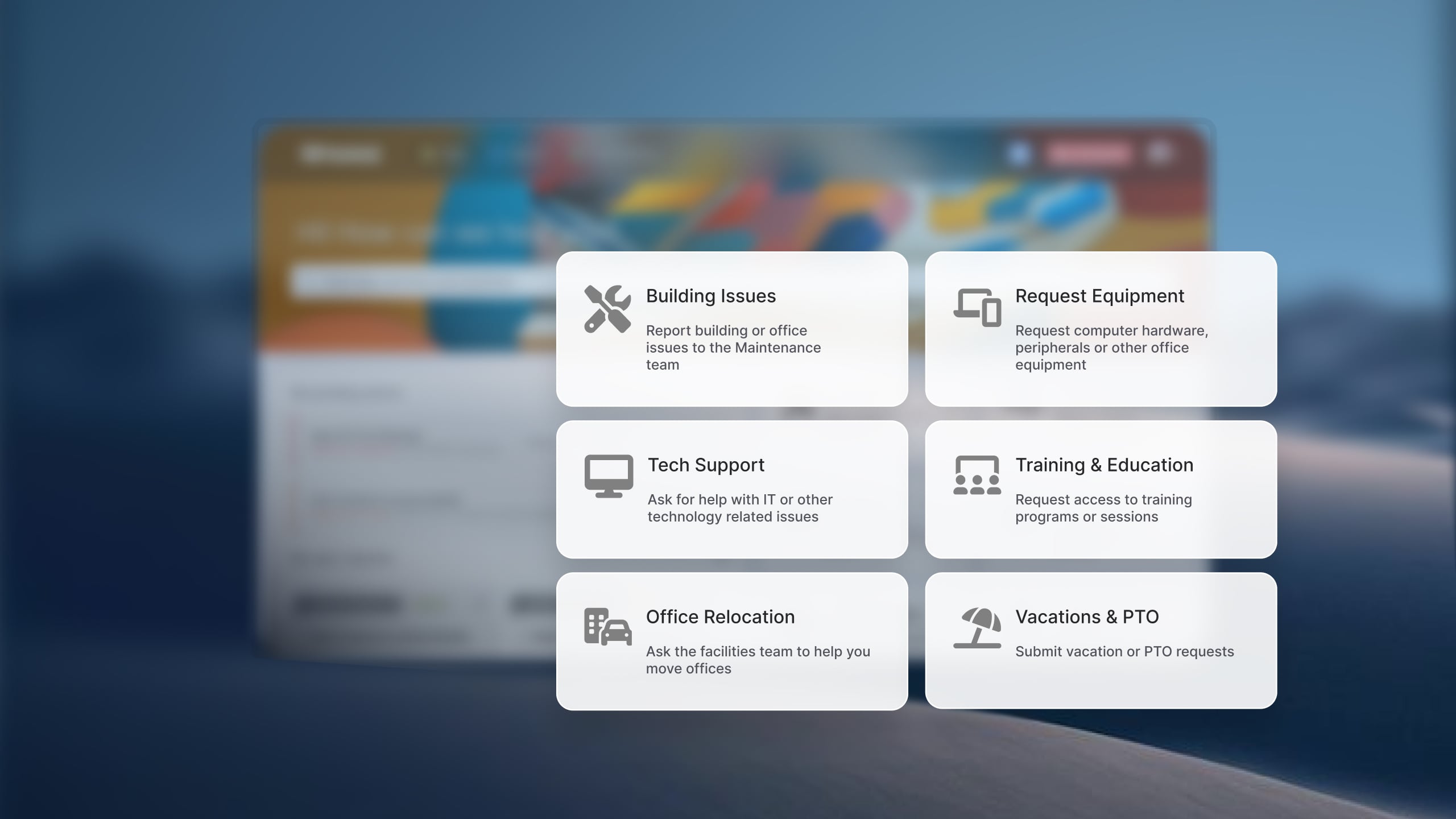
Call centers and BPOs run on agent availability. Every seat that goes quiet because a softphone won't authenticate, a virtual desktop session froze, or CRM access was deprovisioned after a role change is a seat that stops generating value the moment the issue starts. The internal IT team behind the floor exists to keep those seats live, resolving the technical problems that pull agents off their queues and getting them back on the phones as fast as possible.
The help desk software for call centers and BPOs covered in this guide is designed for the internal IT teams that keep agents up and running. The focus is on tools that centralize employee requests, automate routine support work, manage access and assets, and give IT the visibility needed to support large, fast-moving operations.
The right platform absorbs high volumes of repetitive requests, tracks distributed hardware across sites and home offices, and holds up to the SLA and compliance expectations that come with handling client data at scale.
Why internal IT support looks different in a call center or BPO
IT teams supporting a contact center operation carry a workload shaped by the economics of the floor. Their responsibilities typically span:
-
Agent workstation support: Softphone and dialer authentication, virtual desktop (VDI) sessions, headset and peripheral failures, network connectivity, and endpoint issues for on-site and remote agents.
-
Identity and access: Password resets, MFA, single sign-on, and role-based access to CRM, telephony, workforce management, and client-specific applications.
-
Provisioning at volume: Account creation and access grants for new hires, access changes as agents move between campaigns or clients, and clean offboarding when they leave.
-
Distributed hardware: Laptops, headsets, and peripherals spread across multiple sites and work-from-home agents, each tied to a person and a shift.
-
Client-aligned service delivery: Segmented support and contractual SLAs when a BPO delivers services on behalf of several clients at once.
Common challenges for call center and BPO IT teams
-
Downtime maps directly to lost revenue. Utilization and occupancy are the business model. An agent who can't log into the dialer is a measurable cost per minute, which raises the stakes on resolution speed and deflection in a way sharper than most industries face.
-
Repetitive requests dominate the queue. Password resets, access requests, and softphone login problems arrive in high volume and cluster around shift changes. Self-service and automation absorb those peaks so the IT team can spend its time on the problems that genuinely need a human.
-
Constant onboarding and offboarding churn. High-headcount, high-turnover operations generate a continuous stream of provisioning and deprovisioning work. Manual account setup and access changes drain the team and create security gaps when offboarding lags behind departures.
-
Distributed and remote asset tracking. Hardware follows agents across sites and into their homes. Knowing which laptop and headset belongs to which agent, and what happens to it when they leave, becomes a real operational and cost problem at scale.
-
24/7 coverage across sites and time zones. The floor rarely goes dark, so support workflows, escalation paths, and self-service need to work around the clock without a full analyst team on every shift.
-
Client data sensitivity and compliance. BPOs handling payment, healthcare, or financial data operate under standards like PCI DSS and client-contractual controls, making role-based permissions, audit logs, and access governance non-negotiable.
Best help desk software for call centers and BPOs
Methodology note: InvGate develops IT Service Management and IT Asset Management software, so we're directly involved in the same market as some of the vendors mentioned here. Even so, our purpose is to share reliable and unbiased information to help you evaluate your options. We assessed each platform on core ITSM functionality, ease of implementation and use, scalability across team sizes, deployment flexibility, AI, and automation capabilities. Our analysis draws on official product documentation, hands-on testing where possible, and verified user reviews.
1. InvGate Service Management
InvGate Service Management is a no-code ITSM and Enterprise Service Management (ESM) platform built to run multiple service desks from a single environment. For a contact center operation, that means IT can handle agent support with its own queues, SLAs, and service catalog while HR, workforce management, and facilities run alongside it with independent workflows and centralized reporting and administration. BPOs supporting several clients can segment support and align SLAs to each contract from the same platform.
The combination of no-code configuration and fast implementation fits the tempo of a floor that can't wait months to go live. IT teams build and edit their own workflows, catalogs, and automations without paid professional services hours, which matters for lean teams handling constant provisioning churn.
Key features for call centers and BPOs:
- No-code Workflow Builder for automating provisioning, access changes, approvals, and offboarding routing through configured rules and catalog-based request types.
- Self-service portal and knowledge base to deflect repetitive password, access, and login requests.
- AI-powered Virtual Service Agent for request deflection at the point of need.
- AI Hub with agent assistance, Solution Recommendation, AI knowledge creation, Smart Ticket Assignment, and more, included across every pricing tier.
- SSO, LDAP, and Active Directory integration for identity and access at scale.
- Role-based permissions and audit logs for client data governance and compliance.
- Native IT Asset Management integration with InvGate Asset Management for tracking laptops, headsets, and peripherals across sites and remote agents.
- Dashboards and reporting across queues, services, and SLA performance.
- Enterprise Service Management capabilities that let teams like HR and facilities adopt the platform over time.
Pricing: InvGate offers flexible pricing plans that scale to meet the unique needs of your organization.
- Starter: $24.98/agent/month billed annually, 5 agents minimum — $1499/year.
- Pro: $500/agent/year. 5-50 agents.
- Enterprise: Custom pricing for larger organizations.
See how it works — request a 30-day free trial.
2. ManageEngine ServiceDesk Plus
ManageEngine ServiceDesk Plus is a mature ITSM platform that combines service management, asset management, and configuration management in one product. Operations with on-premise or data residency requirements, or a large distributed hardware estate to track, often consider it for the depth of its asset and ITIL functionality.
Key features for call centers and BPOs:
- Cloud and on-premise deployment for data residency and compliance needs.
- Integrated Asset Management for tracking distributed laptops, headsets, and peripherals.
- CMDB.
- Incident, Problem, Change, and Release Management.
- Self-service portal and knowledge base.
- Workflow automation.
- Service catalog.
- Dashboards and SLA reporting.
Pricing: These are the pricing tiers for ManageEngine Cloud deployment offering.
- Standard: Starts from $13 / technician / month.
- Professional: Starts from $27 / technician / month.
- Enterprise: Starts from $67 / technician / month.
For Professional and Enterprise tiers, price also changes according to the number of assets. Add-ons are also available. — Checked on July 2026 (US) official website.
3. SysAid
SysAid is an ITSM platform with a strong automation focus, positioned around handling high-volume, repetitive service work with AI and predefined rules. Contact center IT teams facing large streams of password, access, and login tickets may find its automation-first approach worth evaluating.
Key features for call centers and BPOs:
- Automation for high-volume, repetitive ticket handling.
- Self-service portal and knowledge base.
- Asset management (managed asset allowances vary by tier).
- Incident, request, and SLA management.
- Workflow automation and third-party integrations.
- SysAid Copilot AI capabilities, available as an add-on.
Pricing: SysAid ITSM pricing starts at $89 per agent/month for the Professional plan, and the Enterprise plan is custom-priced with a sales consultation. - Checked on July 2026 (US) official website.
4. Freshservice
Freshservice is a cloud-based ITSM platform that pairs modern automation with a broad set of ITIL capabilities. Contact center operations running a distributed or work-from-home model, and looking for a SaaS solution that scales across large agent populations, will find it a strong fit for medium and large IT organizations.
Key features for call centers and BPOs:
- Cloud-native platform suited to distributed and remote support teams.
- Freddy AI for self-service, ticket categorization, and automation.
- No-code workflow automation for provisioning and access requests.
- Service catalog and employee portal.
- Knowledge base for self-service deflection.
- Asset Management and CMDB for distributed hardware.
- Workflow approvals and SLA management.
- Integrations with Microsoft 365, Google Workspace, and identity providers.
Pricing: It offers 3 subscription levels with published price. The prices with annual billing are:
- Starter: $19 per agent, per month.
- Growth: $49 per agent, per month.
- Pro: $99 per agent, per month.
The fourth tier, Enterprise, requires a quote. - Checked on July 2026 (US) official website.
5. Jira Service Management
Jira Service Management fits operations where IT works closely with in-house development, product, or engineering teams. BPOs and call centers already invested in the Atlassian ecosystem can connect service requests to development work while running incident and Change Management on the same platform.
Key features for call centers and BPOs:
- Native Jira Software and Confluence integration.
- Custom workflows and automation.
- Service catalog.
- Self-service portal.
- Knowledge base.
- Asset Management.
- Incident and Change Management.
- Marketplace integrations.
Pricing: The following rates apply to a 50-agent deployment.
- Standard: Starting at $20.63 per agent / per month.
- Premium: Starting at $52.16 per agent / per month.
There is also a free tier for up to 3 agents. The Enterprise tier requires a quote. — Checked on July 2026 (US), official web.
Disclaimer: All product names, logos, and brands are property of their respective owners. All company, product, and service names used on this site are for identification purposes only. Use of these names, trademarks, and brands does not imply endorsement. Comparisons are based on publicly available information as of July 2026 and are provided for informational purposes only.
How to choose the right ITSM tool for a call center or BPO
Run through these questions with your IT leadership before committing to a platform. They reflect the decisions that determine whether a tool holds up on a live floor.
-
Do you support one operation or several clients? A BPO delivering services for multiple clients needs segmented queues, per-client SLAs, and data separation from day one. Choose a platform with native multi-service-desk and ESM capabilities so you can stand up new client support without rebuilding the environment each time.
-
How much of your volume is repetitive access and login work? If password resets, access requests, and softphone problems make up a large share of your queue, self-service and AI-powered deflection move from nice-to-have to core requirement. Prioritize platforms where the knowledge base and virtual agent resolve common issues before they reach an analyst.
-
Do you have on-premise or data residency requirements? Handling payment or regulated client data under standards like PCI DSS may restrict where ticket data can live. On-premise deployment narrows your options — ManageEngine ServiceDesk Plus is the clearest fit on this list for that constraint.
-
How fast do you need to be live? Ramping a new campaign or client on a tight timeline turns implementation speed into a hard constraint. Platforms that depend on professional services or multi-month configuration cycles work against that. Prioritize tools with documented fast-deploy tracks and no-code setup.
-
Can your IT team configure workflows without outside help? Contact center IT teams are typically lean and move fast. A platform that needs a consultant to modify a provisioning workflow will fall behind the pace of the floor. No-code configurability is an operational requirement for teams that don't have implementation budget on standby.