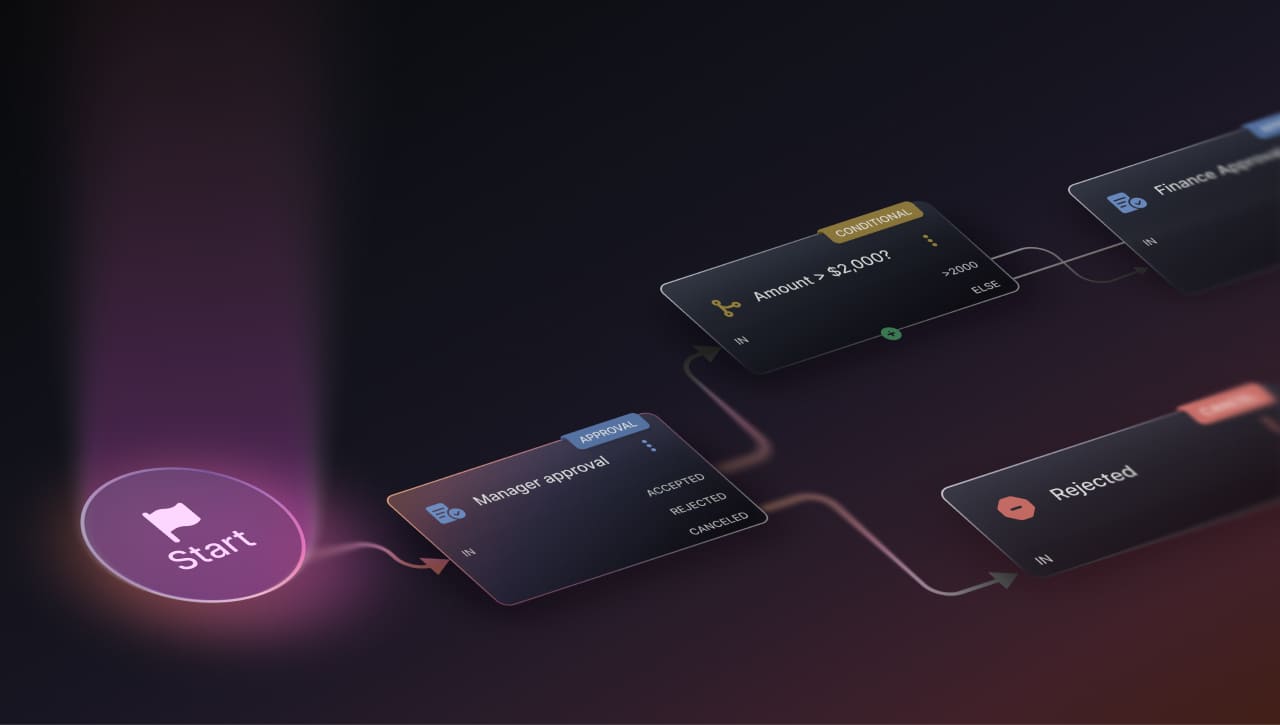

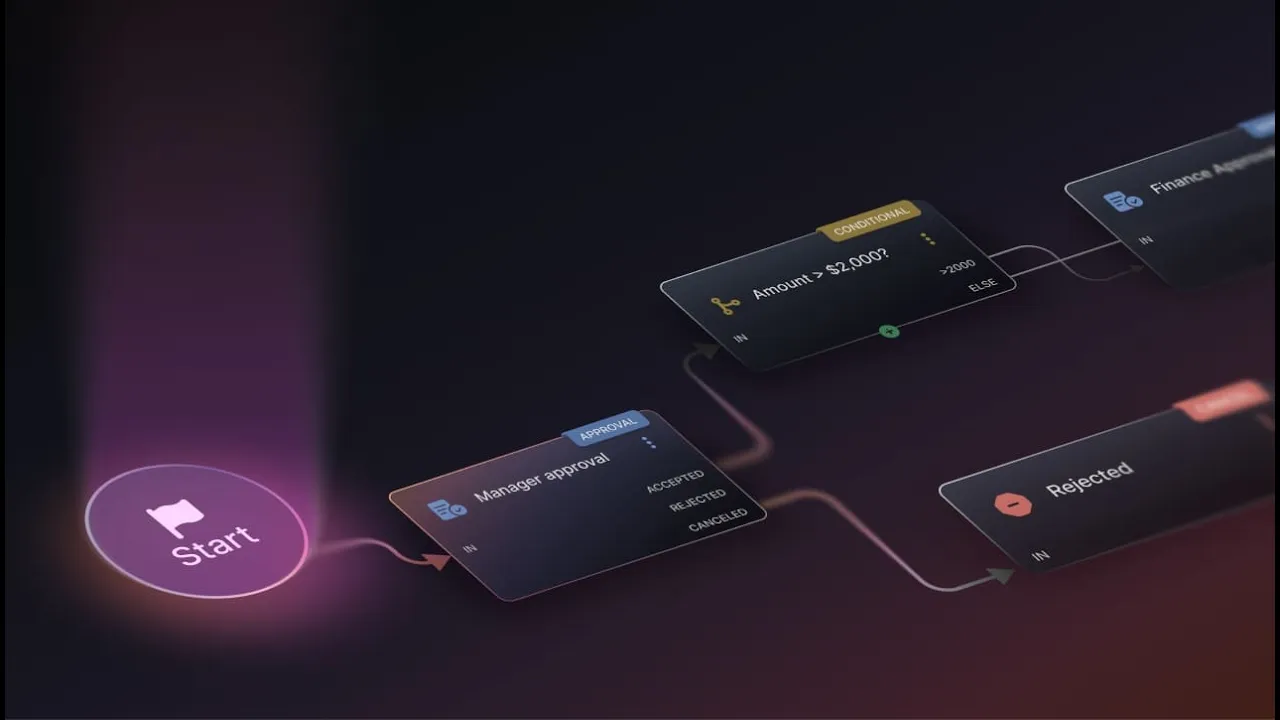
Workflows are where most of Service Management's real value gets built and where most of its real pain hides.
InvGate Service Management is rolling out two AI-powered capabilities that tackle both sides of workflow’s common problems: figuring out what to build when you’re starting with a blank canvas, and understanding the workflow someone else built years ago that nobody fully remembers anymore.
A good workflow can turn a messy request into a repeatable, auditable process. A workflow nobody understands anymore can turn a simple change into a multi-hour archaeology project.
Let’s explore these features in more detail.
We introduced these capabilities at ENVISION'26, our global user conference. Explore all the other new releases here!
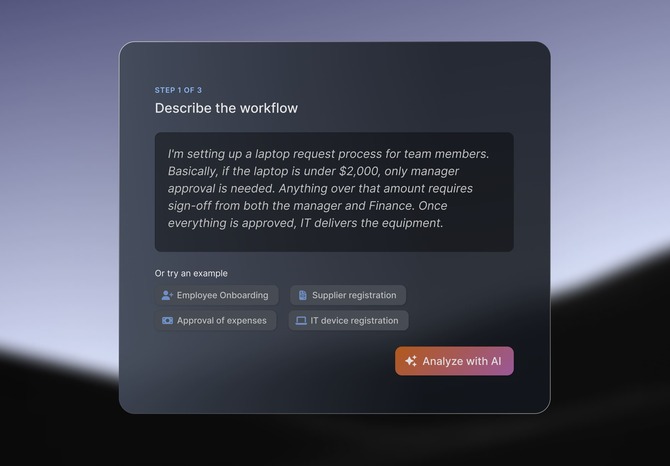
AI-Powered Workflow Generation is a new entry point into the Workflow Editor. You describe the process you want in plain language, and AI generates a workflow based on that description. You don’t have to start from a blank canvas or a template that doesn’t quite fit your needs.
Here's how it works:
And that’s it. The heavy lifting (translating your process into stages, conditions, and variables) is already done. What's left is the part that actually needs your judgment: who gets to approve, what integrations you want to add, and what configuration it needs to go to production.
Say you need a vendor onboarding process: the requesting area submits basic data and documentation, Purchasing validates commercial information, Compliance runs a background check, Finance sets payment terms, and Legal reviews the contract before the vendor record is created. Instead of building each of those stages by hand, you describe the process once, and AI Workflow Generation drafts the multi-team approval chain as a starting workflow — leaving you to review the generated stages and wire up the specific approver assignments.
The same applies to something like expense approval: describe the amount thresholds, the manager approval step, and the escalation to Finance for larger amounts. Then, you get that branching logic sketched out as a first pass to refine.
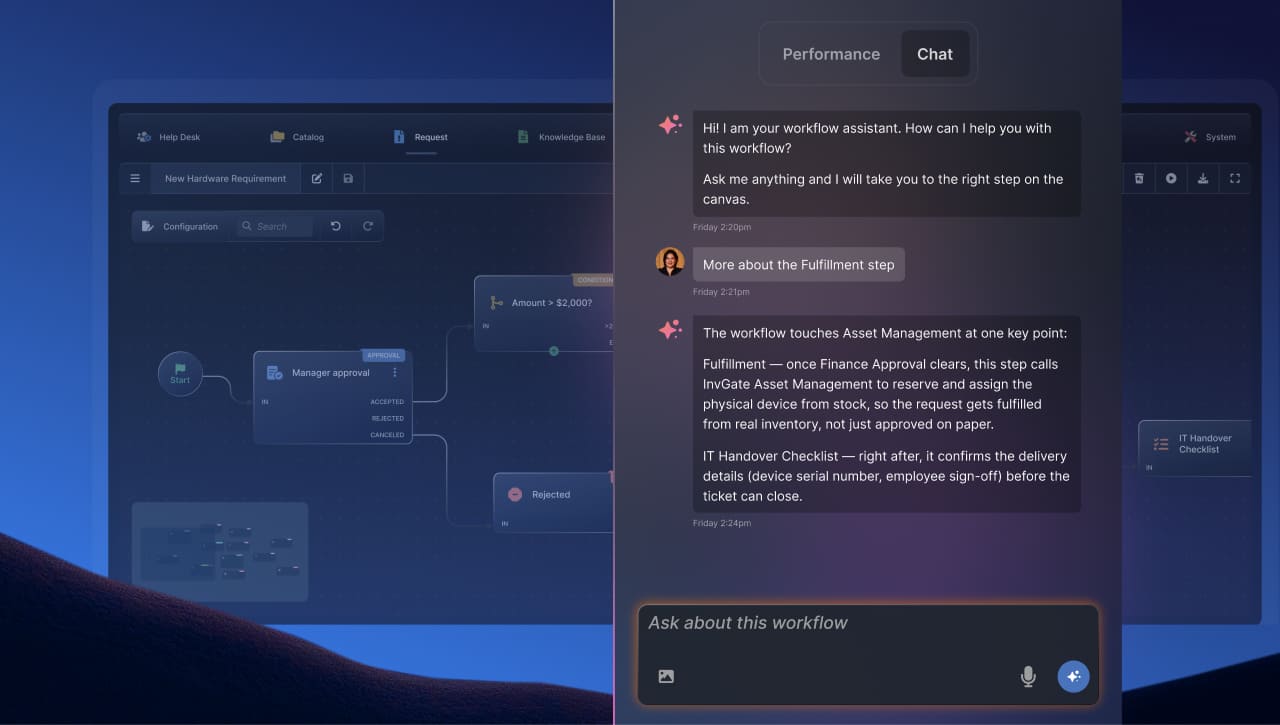
Once a workflow exists (whether you built it or inherited it) the Workflow Assistant helps you trace and analyze the logic behind it*.
Opening a workflow in the Canvas, you can generate an AI brief: a plain-language, narrated explanation grouped by stage, plus a more detailed reference view for when you need to point to a specific stage instead of skimming the whole thing. A chat sits alongside that explanation, so you can ask direct follow-up questions, such as who approves a given stage, what an unlabeled web service call is doing, or what happens under a specific condition, without re-reading the flow on the Workflow Editor yourself.
Separately, for the deployed version of a workflow, the Workflow Assistant can surface real execution data: how many times the process has actually run recently, how long tickets following it typically take to close, and which single stage is accumulating the most time. So when it's time to improve the process, you get the concrete insights you need, and avoid the manual, stage-by-stage digging.
* This feature is coming soon.