













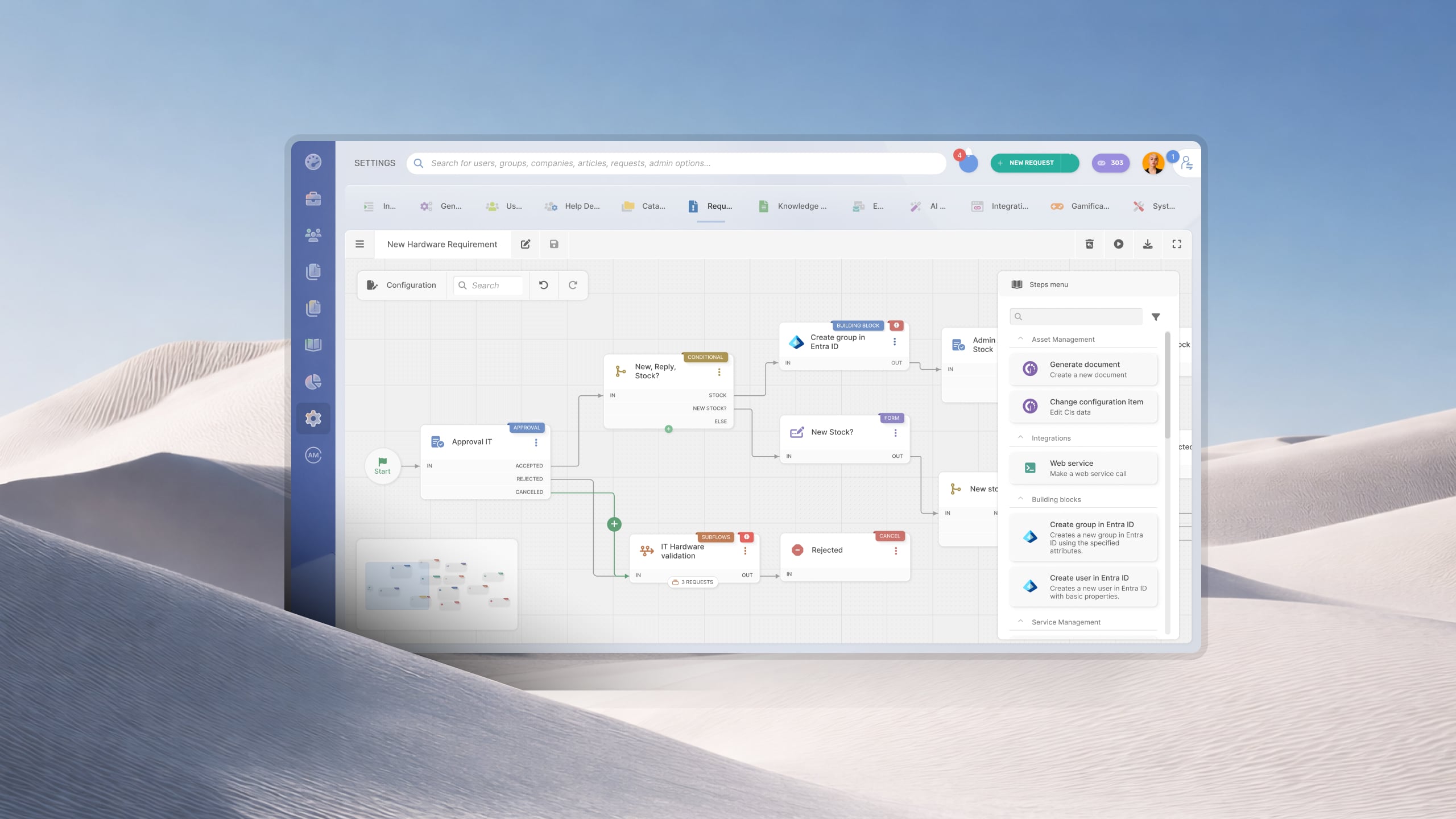

Security teams rely on ticketing systems for much more than tracking requests. Access provisioning, incident response, vulnerability remediation, security reviews, policy exceptions, and compliance activities all depend on structured workflows, approvals, and complete audit records. The right help desk helps coordinate that work while integrating with the rest of the security stack.
Not every help desk is designed with those requirements in mind, though. Some products focus on general IT support, while others offer the workflow automation, security controls, asset visibility, and integrations needed to support security operations at scale.
In this guide, we'll look at the best help desk software for security teams, comparing each platform's strengths, key capabilities, and pricing.
Key takeaways
- Security teams need a help desk that handles incident triage by severity, not just ticket volume.
- RBAC, audit logs, and SLA differentiation by ticket category are non-negotiable for security operations.
- Generic help desk tools create compliance gaps — the right platform documents every action for audit purposes.
Security teams use help desk software for a wide range of operational processes, including access requests, security incidents, vulnerability remediation, policy exceptions, and compliance activities. While most platforms can manage tickets, they differ significantly in how well they support these workflows. When comparing solutions, evaluate them against the following capabilities.
The platforms below are designed to support the operational work of enterprise IT security teams. They help manage security requests, endpoint incidents, access management, vulnerability remediation, policy exceptions, and related workflows through structured processes, automation, and integrations with the broader IT environment. This comparison focuses on ITSM and help desk platforms rather than SIEM, SOAR, or dedicated security case management solutions.
Methodology note, on how we evaluated these tools
InvGate develops IT Service Management and IT Asset Management software, so we operate in the same market as some of the vendors included in this list. Our goal is to provide an objective comparison based on publicly available information, including vendor documentation, analyst research, and user reviews from Gartner Peer Insights, G2, and Capterra. Whenever possible, we also evaluate product demos and hands-on environments. Each platform is assessed based on its capabilities for this use case, usability, integrations, and pricing transparency. Information is current as of June 2026.
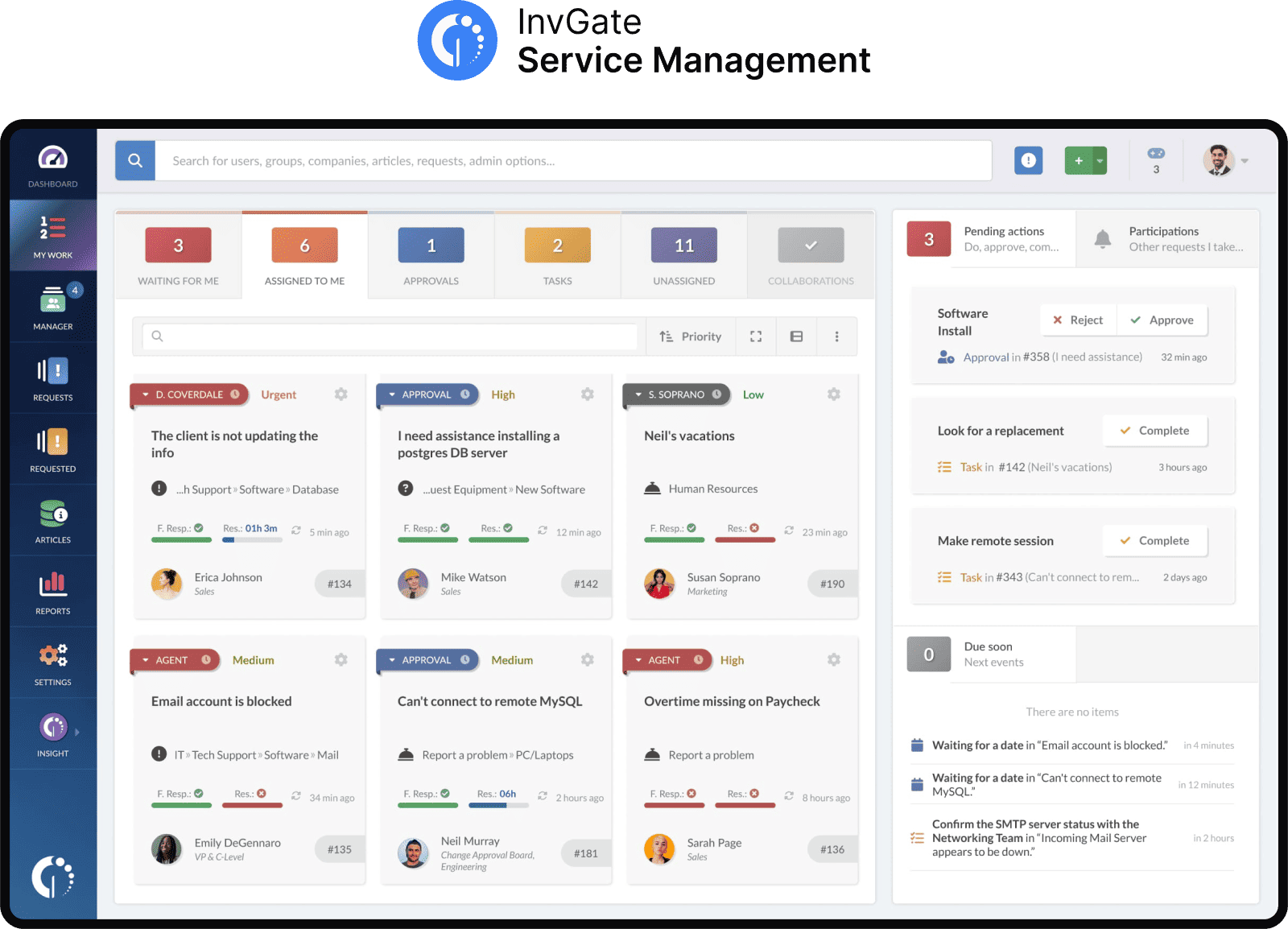
InvGate Service Management is an ITSM platform designed to manage structured operational processes such as security incidents, access requests, vulnerability remediation, and policy exception workflows. Its visual workflow builder allows security teams to automate response processes without coding, while its native integration with InvGate Asset Management provides direct access to endpoint information from within each ticket.
Key features for security teams
Pricing
InvGate Service Management has flexible pricing plans that scale to meet the unique needs of your organization.
Want to see all these in action? Explore the pricing options and get a quote from InvGate tailored to your specific needs, or check how the tool works by signing up for a 30-day free trial.
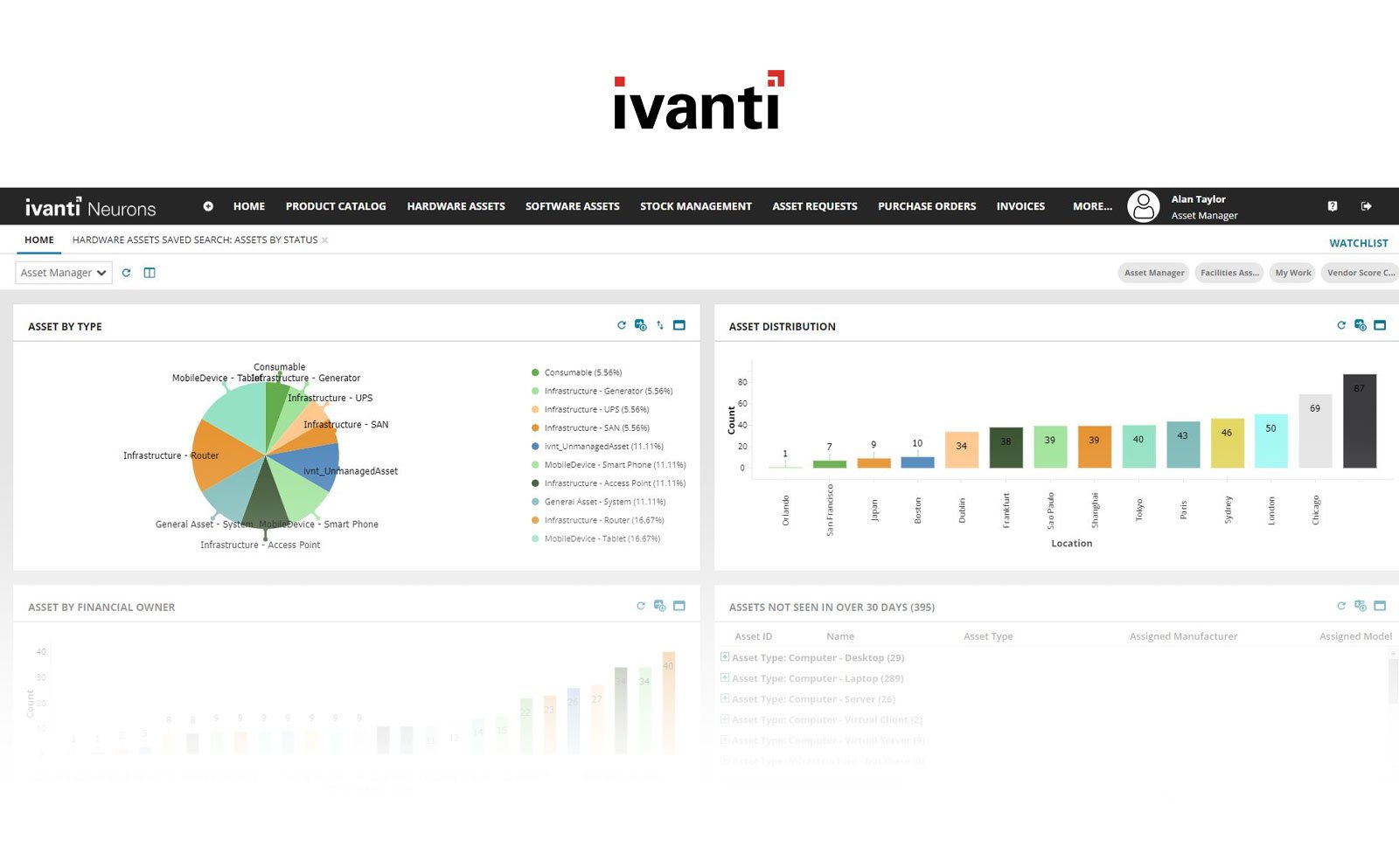
Ivanti Neurons for ITSM is designed for enterprises already using the broader Ivanti ecosystem. Its strongest advantage for security teams is the close integration between Service Management, Endpoint Management, device remediation, and automation.
Key features for security teams
Pricing
Ivanti does not publish pricing. Quotes are provided based on deployment size and licensing requirements.
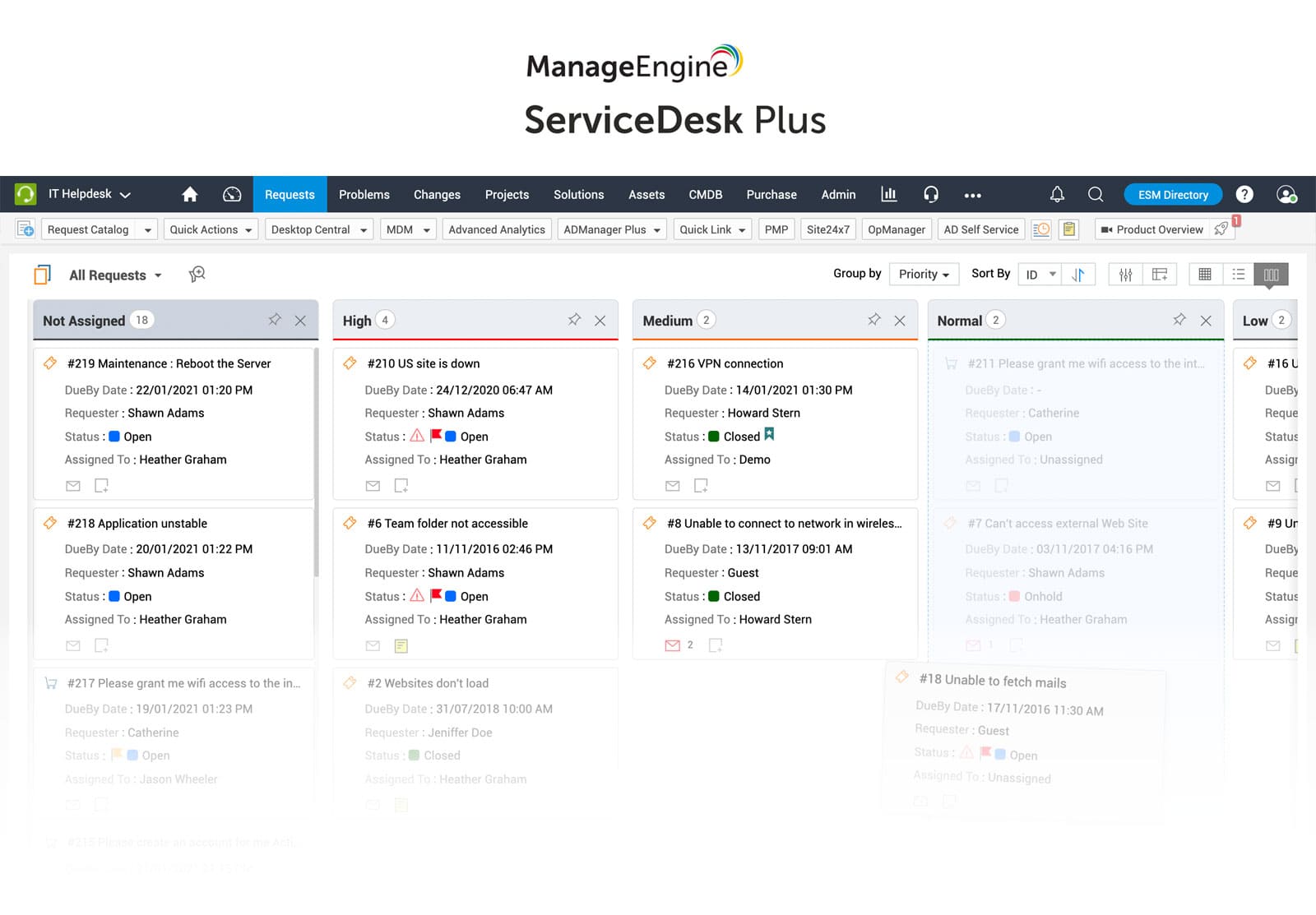
ManageEngine ServiceDesk Plus includes ITSM, CMDB, Asset Management, and integrations with the wider ManageEngine security and infrastructure portfolio. It appeals to security teams that already use products such as Endpoint Central or ADManager Plus.
Key features for security teams
Pricing
Cloud pricing tiers:
Note: For Professional and enterprise tiers, price changes also depend on the number of assets. There are also add-ons available.
- Checked on: June2026 (US), official website.
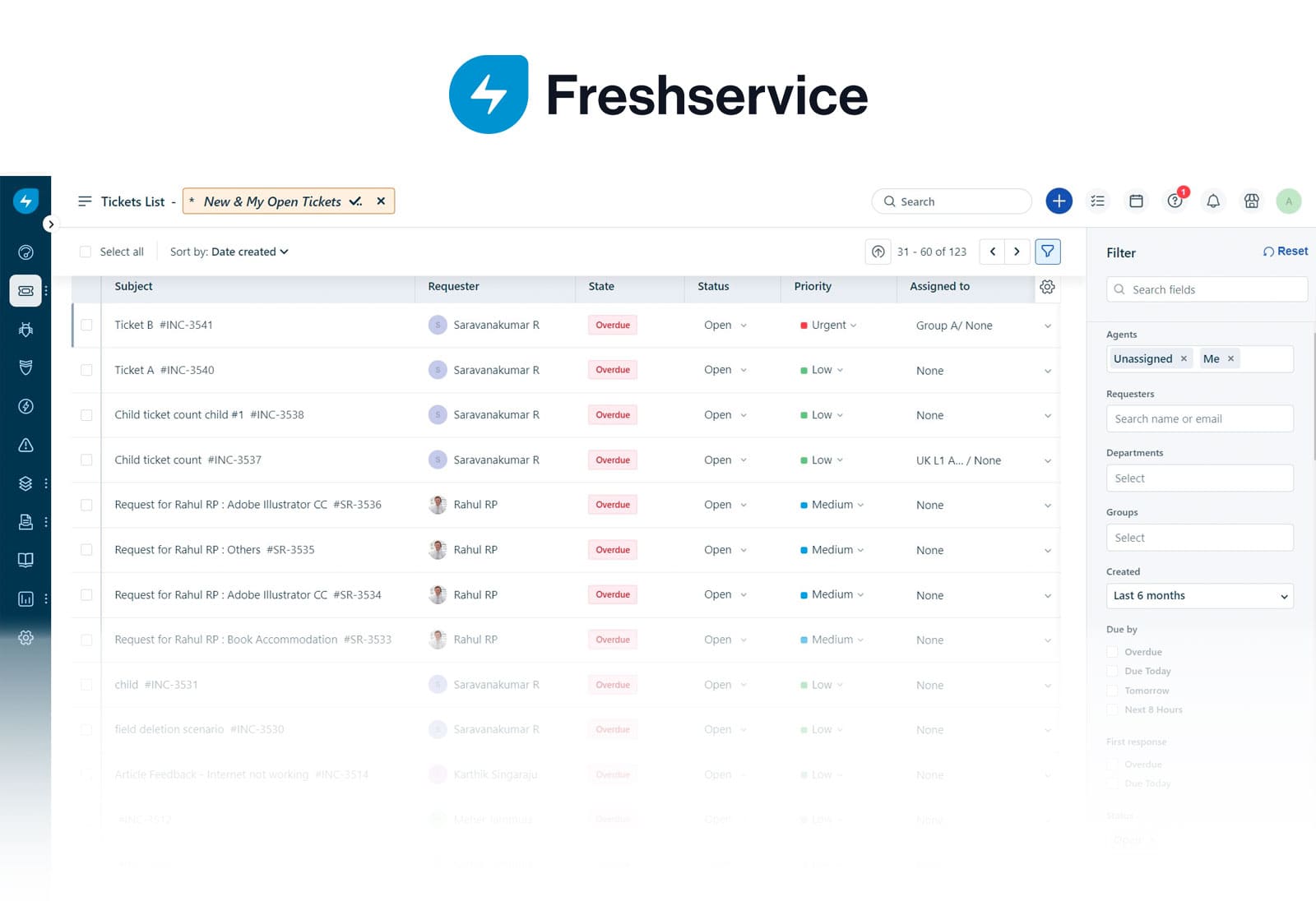
Freshservice combines ITIL-aligned processes with workflow automation and asset management in a cloud-first platform. Its ease of administration makes it a practical option for security teams that work closely with IT operations.
Key features for security teams
Pricing
It offers 3 subscription levels. Prices for annual billing are:
The fourth tier, Enterprise, requires a quote. - Checked on March 2026 (US) official website.
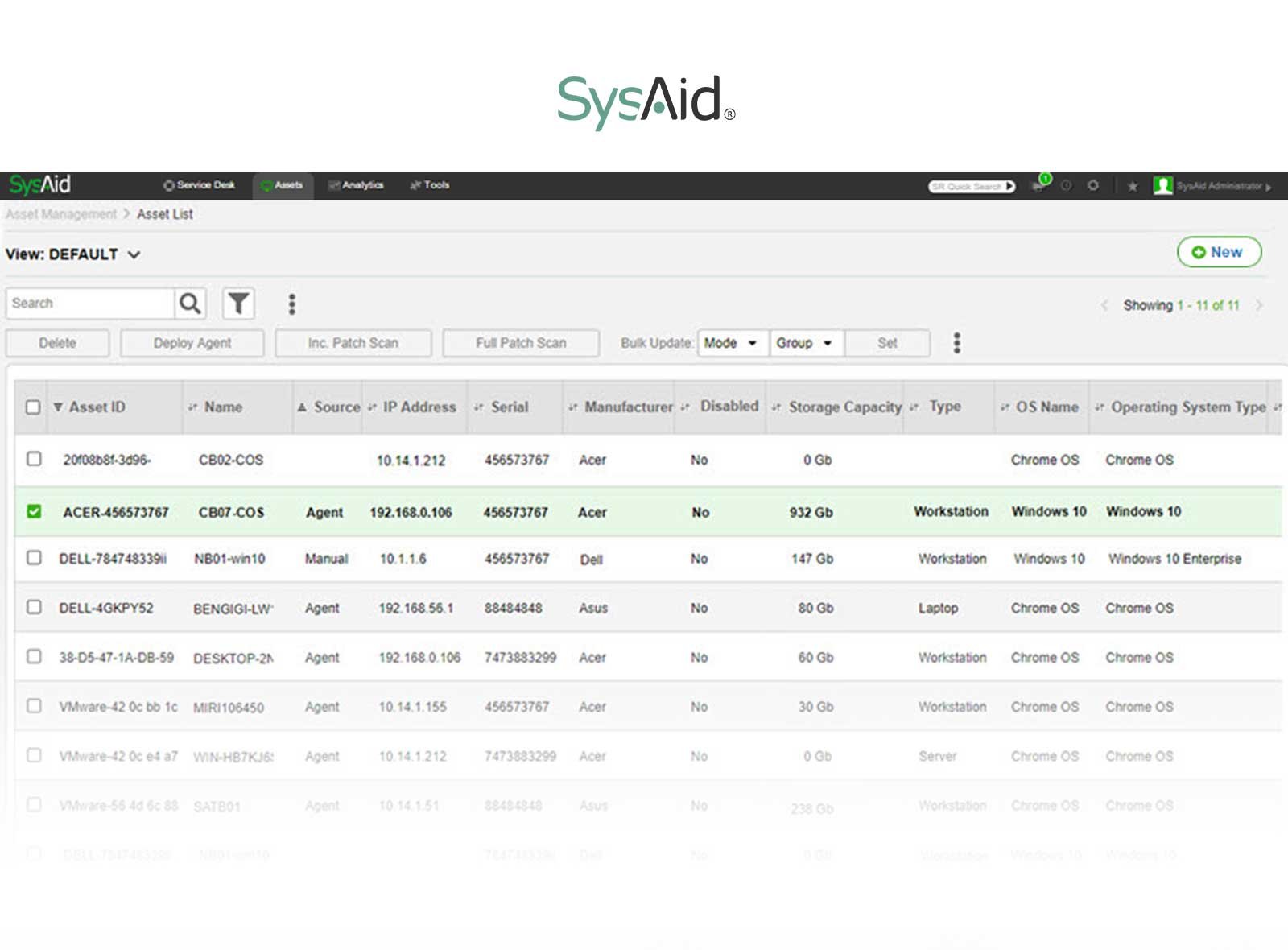
SysAid combines ITSM capabilities with native asset management, making it a practical option for organizations that manage security requests alongside endpoint and infrastructure operations. The platform supports configurable workflows for access requests, incident handling, and approval processes, while providing visibility into the devices involved in each request.
Key features for security teams
Pricing
SysAid does not publish pricing. Quotes are available based on the number of agents and deployment requirements.
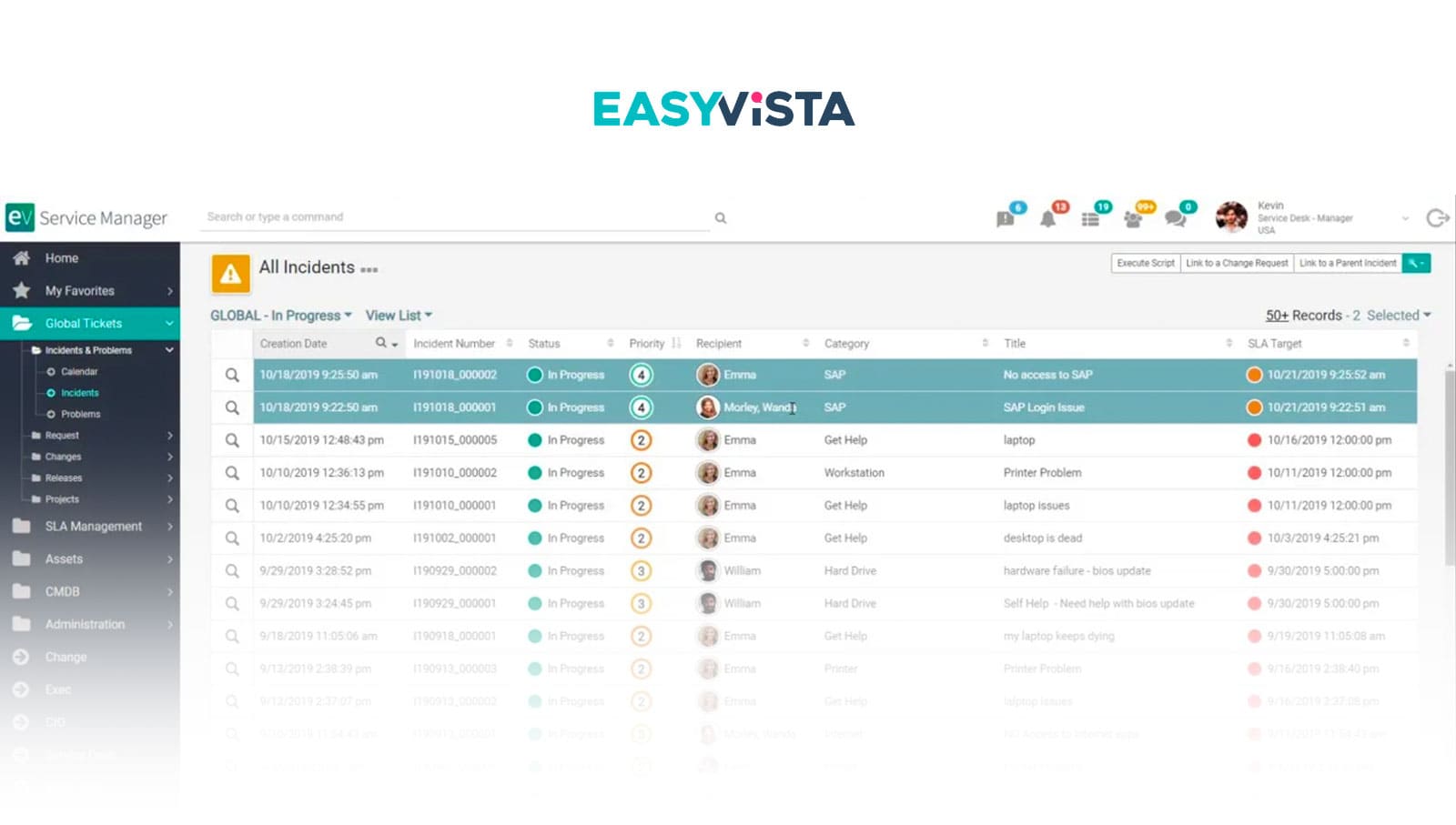
EasyVista is an enterprise ITSM platform designed to support complex operational environments. Its automation capabilities, integration with endpoint management tools, and configurable workflows make it a strong fit for IT security teams managing access requests, endpoint incidents, vulnerability remediation, and compliance-related processes.
Key features for security teams
Pricing
EasyVista does not publish pricing. Organizations must contact the vendor for a custom quote based on their deployment and licensing needs.
What features should security teams prioritize in a help desk?
Look for configurable workflows, role-based access controls, approval management, audit logs, asset and user visibility, automation, and integrations with identity providers, endpoint management platforms, vulnerability scanners, and other security tools. These capabilities support common security processes without requiring extensive customization.
Can a standard IT help desk support security operations?
Many ITSM platforms can support security teams if they offer flexible workflows, strong permission controls, and integrations with the organization's security ecosystem. General-purpose ticketing systems with limited automation or governance features may become restrictive as security operations grow.
What's the difference between a help desk and a SIEM or SOAR platform?
A help desk manages operational workflows such as requests, incidents, approvals, and service delivery. SIEM platforms collect and analyze security events, while SOAR platforms automate detection and response activities. Many organizations integrate these technologies rather than replacing one with another.
Should security teams choose a cloud or on-premises help desk?
The answer depends on organizational policies, regulatory requirements, and operational preferences. Cloud deployments typically reduce administrative overhead and accelerate updates, while on-premises deployments may better align with organizations that have strict data residency, security, or infrastructure requirements.


