














Universities manage one of the most complex IT environments of any organization type. Thousands of devices spread across multiple buildings and departments, high user turnover every academic year, decentralized purchasing, and compliance obligations around student data all create challenges that generic tools struggle to address. The best Asset Management software for universities needs to handle that complexity without requiring a dedicated team to keep it running.
This article covers what makes IT Asset Management different in higher education and five platforms worth evaluating.
University IT environments are decentralized by nature. Departments purchase technology independently, faculty bring research equipment, and students arrive with their own devices. On top of that, institutions must track which systems store or process student records to stay compliant with regulations like FERPA (Family Educational Rights and Privacy Act). The result is an asset inventory that is larger, more varied, and harder to govern than in most corporate environments.
The best Asset Management software for universities addresses this by combining automated discovery, multi-location support, software license tracking, and clear audit trails, all from a single platform that different departments can use without duplicating data.

InvGate Asset Management gives university IT teams a single, continuously updated inventory of hardware, software, and cloud resources. Multiple discovery methods cover the full environment: the InvGate Asset Management Agent, network discovery, integrations with platforms like Microsoft Intune, Jamf, Amazon Web Services (AWS), and Azure, and manual CSV import. QR codes can be generated for any asset, including non-IT equipment like lab instruments or AV gear, linking each physical item to its live record for quick inspection and audit.
For software, the Agent detects installed applications, compares them against active vendor contracts, and flags inconsistencies such as unlicensed installs or unused licenses. Authorization Policies classify software as approved, under review, or prohibited, with unauthorized installs documented automatically. The Starter plan starts at $1,499 per year for 500 IP devices. Start a 30-day free trial or talk to Sales to find the right plan.
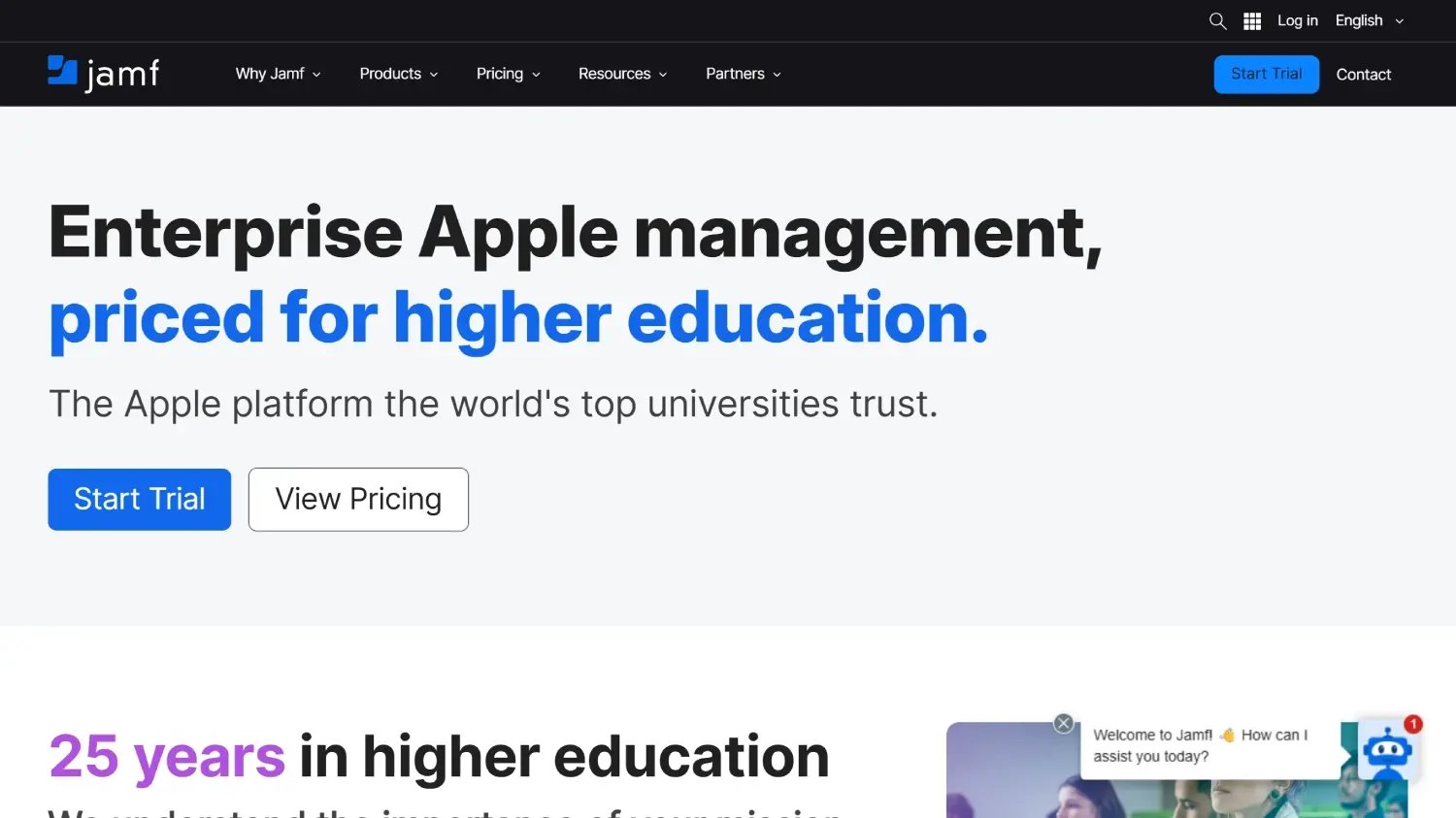
According to Jamf's official website, Jamf is a Device Management platform purpose-built for Apple environments, with a long history in higher education. It supports zero-touch deployment, automated provisioning and patching, policy-based configuration, and device lifecycle management from enrollment to retirement. For universities running large fleets of Macs, iPads, and iPhones across departments, Jamf is the standard approach to keeping those devices configured, updated, and compliant.
Jamf integrates with identity providers and platforms like Microsoft, Google, and Okta, and can feed device data into broader IT Asset Management or IT Service Management (ITSM) tools for a unified inventory view. Pricing is not publicly listed and requires contacting the sales team for a quote.
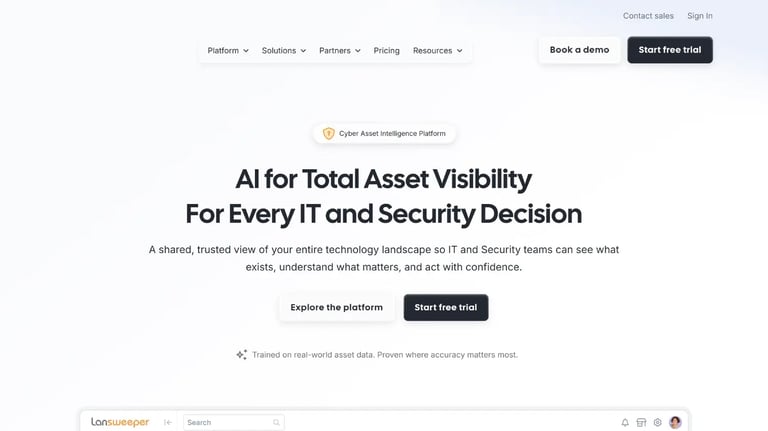
According to Lansweeper's official website, Lansweeper is a cyber asset intelligence platform that automatically discovers and inventories IT assets across Windows, Linux, and macOS environments, as well as cloud and network devices. For universities, its agentless scanning approach means it can surface devices across the network without requiring manual enrollment, making it useful for environments where IT does not control every endpoint.
Per Lansweeper's pricing page, the Starter plan begins at $239 per month billed annually and includes 2,000 assets. A 14-day free trial with no credit card required is available, along with a free tier for up to 100 assets after the trial ends.
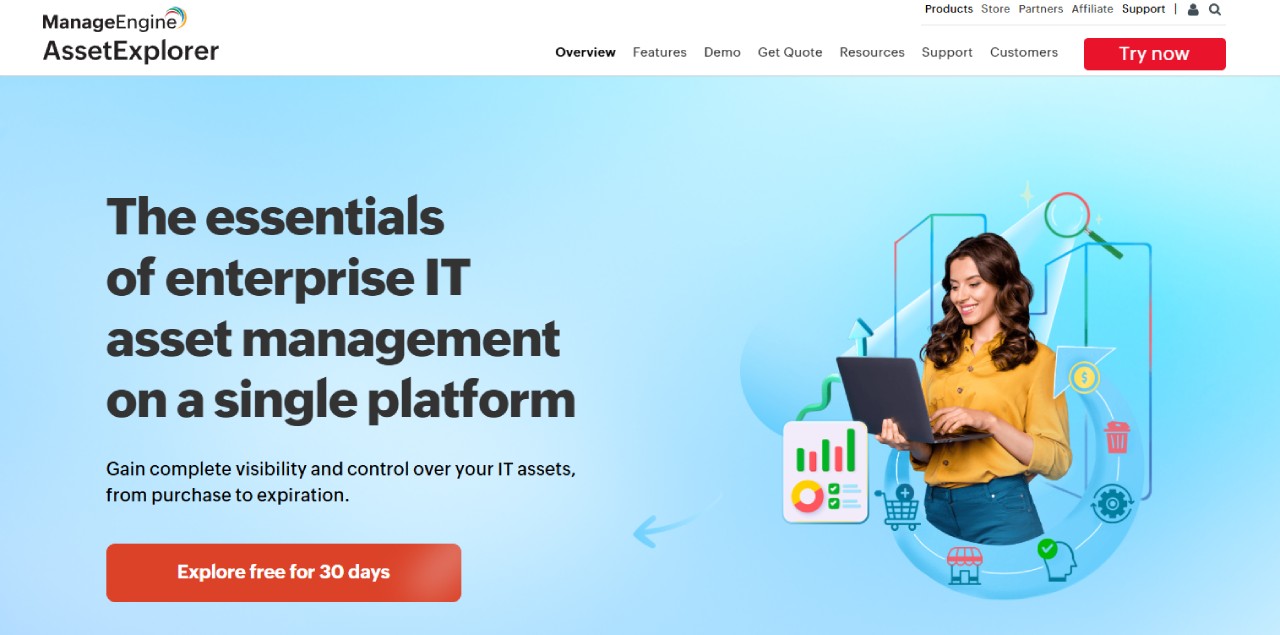
According to ManageEngine AssetExplorer's official website, AssetExplorer is a web-based IT Asset Management platform that covers the full asset lifecycle from procurement to disposal. It includes automated discovery, software license tracking, purchase order management, and a built-in CMDB. For universities that need both hardware and software visibility in a single platform with clear per-asset pricing, AssetExplorer is a practical option that scales without requiring enterprise-level investment.
Per ManageEngine's official pricing page, the cloud version starts at $1,245 per year for 250 assets and the on-premises version at $955 per year. A 30-day free trial is available for the cloud version.
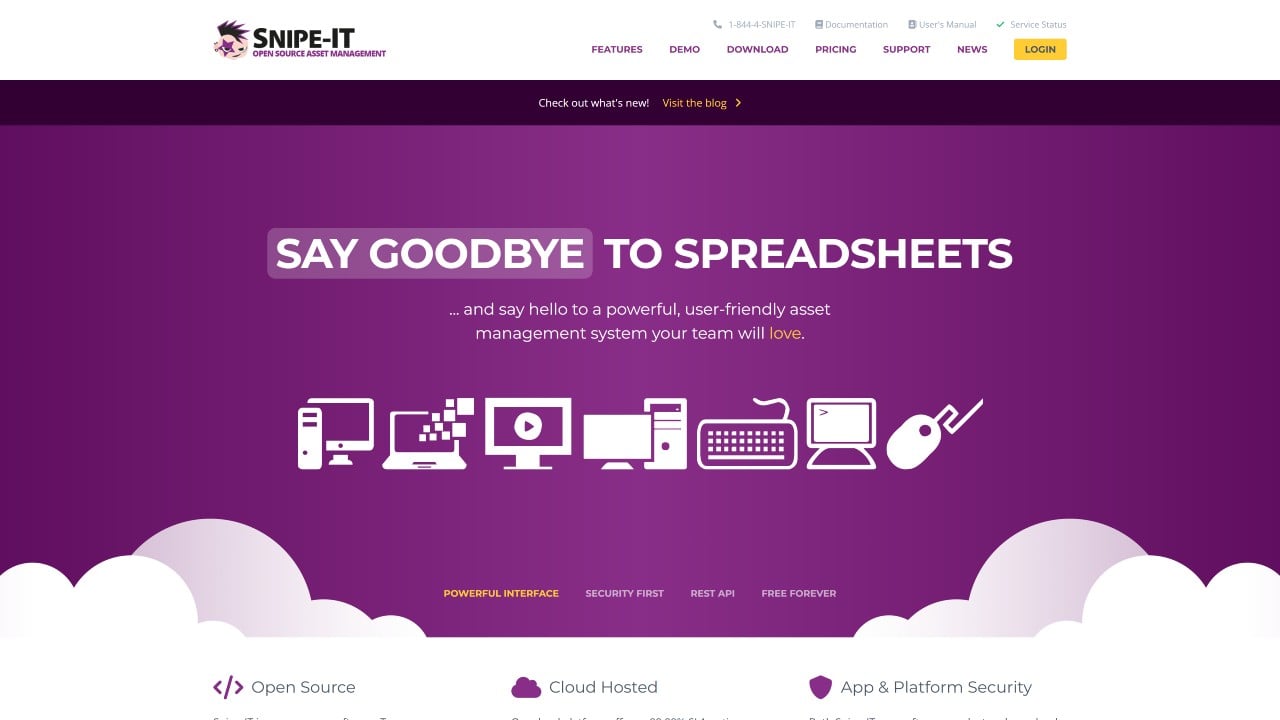
According to Snipe-IT's official website, Snipe-IT is a free, open-source IT Asset Management platform that covers asset tracking, license management, and check-in/check-out workflows. For universities with limited IT budgets and technically capable staff, the self-hosted version provides a functional starting point at no software cost. It supports custom fields, barcode generation, and a REST API for integrations with other campus systems.
Cloud-hosted plans start at $399.99 per year (Basic) and $999.99 per year (Small Business), with the vendor handling upgrades and maintenance. The self-hosted version is free but requires internal resources to deploy and maintain.
The best Asset Management software for universities depends on the institution's size, technical capacity, and primary pain points. Apple-heavy environments benefit from Jamf's Device Management depth. Teams that need visibility across a mixed network without touching every device will find Lansweeper effective. Budget-constrained institutions with technical staff can start with Snipe-IT.
For universities that need a unified platform covering hardware, software, cloud resources, and physical assets with transparent pricing and a fast setup path, InvGate Asset Management covers all of those needs without enterprise-level overhead.
Disclaimer: All product names, logos, and brands are property of their respective owners. All company, product, and service names used on this site are for identification purposes only. Use of these names, trademarks, and brands does not imply endorsement. Comparisons are based on publicly available information as of October, 2025 and are provided for informational purposes only.


